Welcome to Kilona
What Kilona is, who it is for, and how everything you make fits together.
Welcome to Kilona. In this walkthrough you will know exactly what this app is, who it is for, and how everything you make inside it fits together.
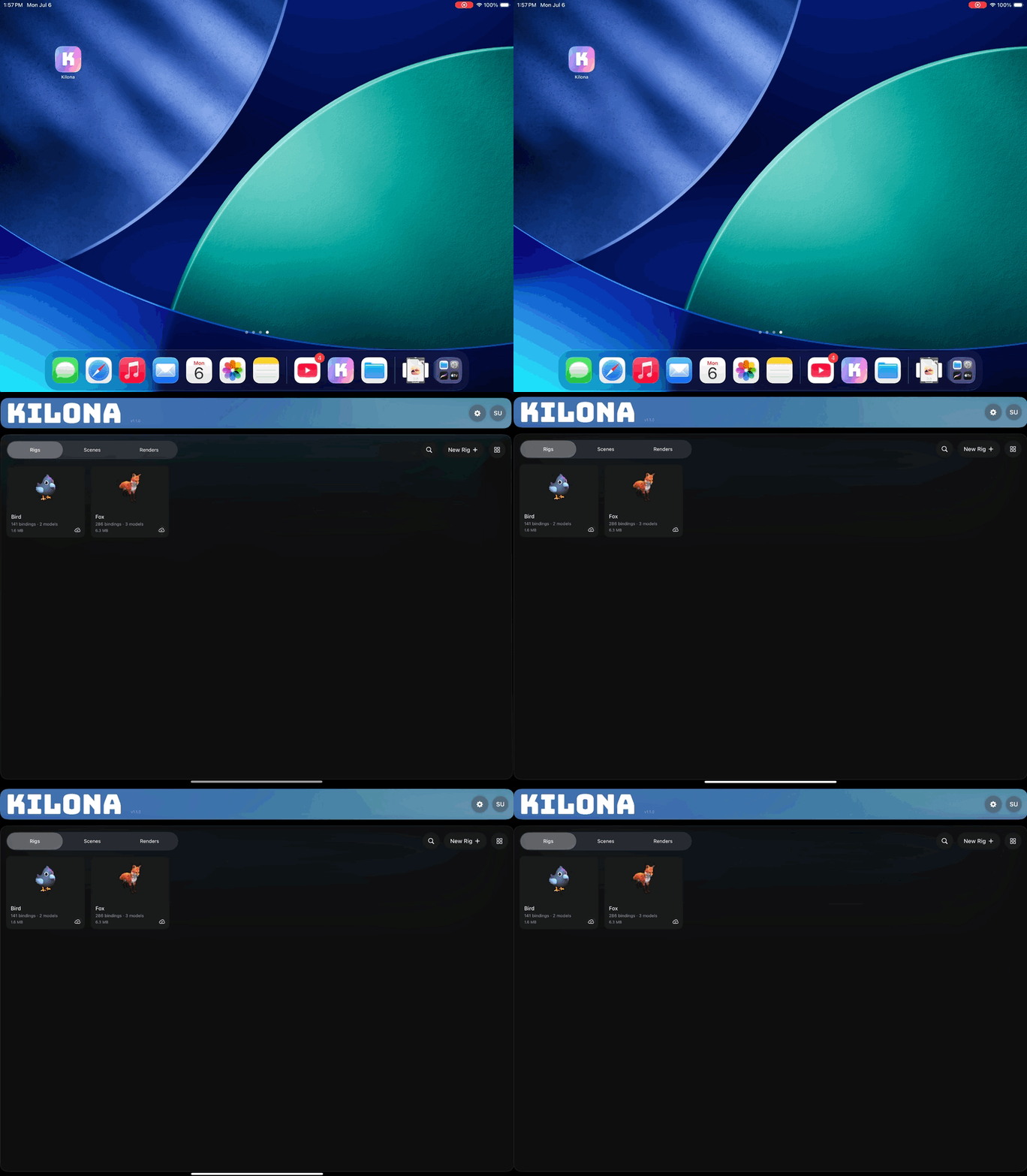
Kilona is a creative suite of tools for your iPad and your Mac, designed for animators, motion graphics artists, and storytellers to bring their creative vision to life. You bring in 3D models, you turn them into animatable characters and objects, you perform animation with them, and you export finished video. All of it happens right on your device.

Here is the first thing you should know: creation does not need a subscription or an account. Open the app and you can start creating immediately. No sign up, no email, no waiting. Accounts are there to back up your work, and they will add more capabilities in the future. But creation will always be free, no account needed.
The second thing to know is how Kilona is organized. Everything in the app is built around a creation pipeline. You start by building a rig, you animate it in a scene, and you finish with a render. Each stage has its own place in the app and builds on the one before it, so you always know where you are and what comes next.
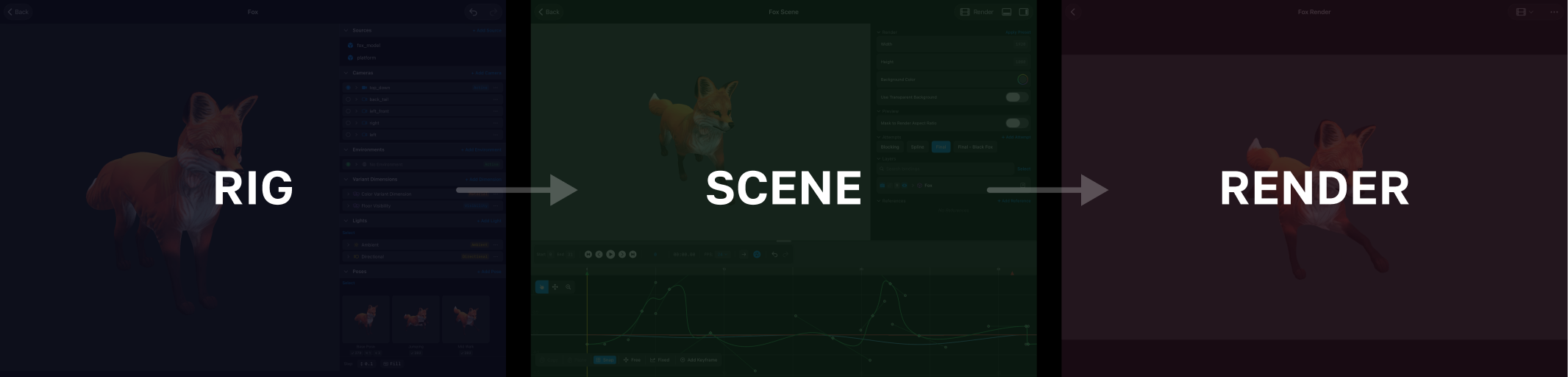
Stage one is the rig. A rig is a reusable package that includes a set of animatable controls built around a model or set of models. It declares what can be animated. Stage two is the scene. A scene is where you compose your rigs and animate them over time. Stage three is the render. A render is the captured output: the video, image, or image sequence you share with the world. Think of it this way: the rig is the instrument, the scene is the performance, and the render is the recording. The next lesson walks that whole pipeline step by step. That is its own lesson.
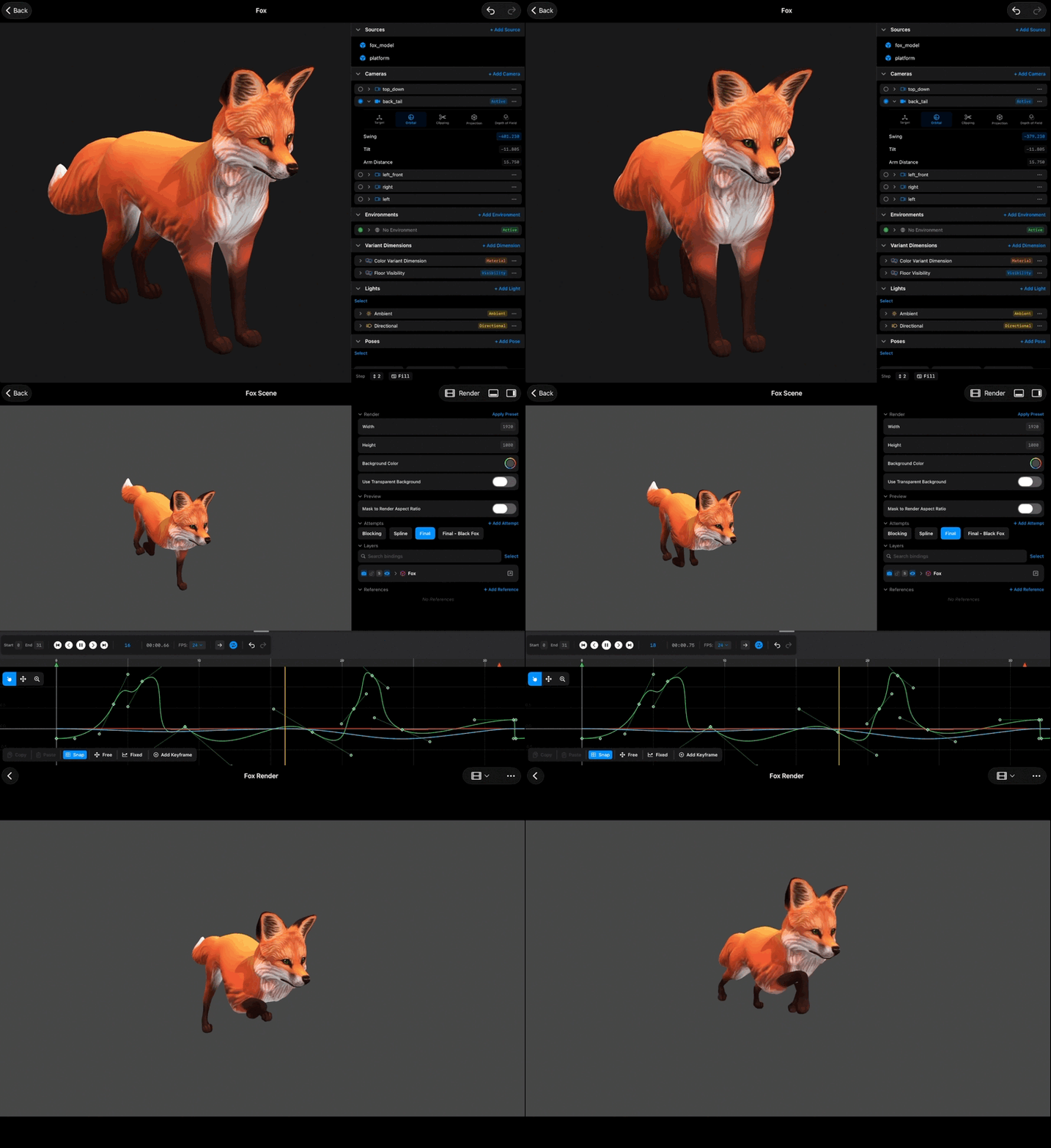
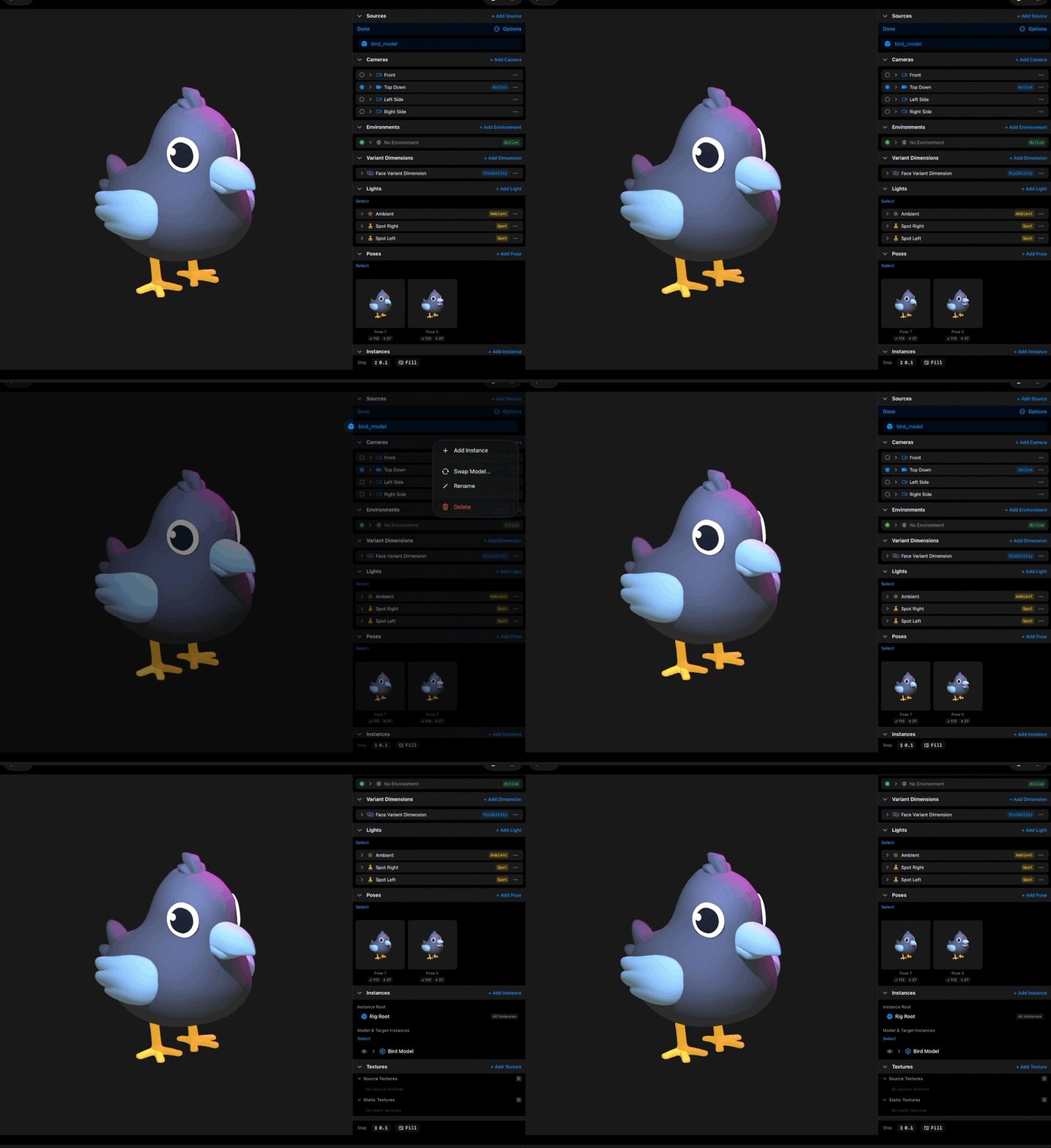
So who is Kilona made for? If you animate, design motion graphics, or have a story to tell, this is your studio. Maybe you already model in another tool and want a focused, fluid way to set your work in motion. Kilona imports GLB and USDZ models, so everything you have built comes right in. Or maybe this is your very first time in 3D. That works too. The pipeline keeps every stage small, and this course assumes nothing.
One more thing before we go. Every video in this library is short, and every video teaches exactly one thing. You can watch them in order like a course, or jump straight to the lesson you need. By the end of this first course you will know your way around the app, you will have explored a complete example project, and you will speak the language Kilona uses everywhere.
That is Kilona. A complete creative studio on your iPad and your Mac, ready the moment you open it.
Recap
- Kilona is a creative suite for iPad and Mac, made for animators, motion graphics artists, and storytellers.
- Creation is free and needs no subscription or account. Accounts add backup, with more to come.
- Everything follows one pipeline: rig, scene, render.
- The rig is the instrument, the scene is the performance, the render is the recording.
- Models come in as GLB or USDZ files.