The Pipeline
Rig is the instrument, Scene is the performance, Render is the recording.
Everything you make in Kilona belongs to one of three creative stages: a rig, a scene, or a render. Learn what each stage is for, and you will never be lost in this app again.
In the last lesson I told you Kilona is built around a creation pipeline. This lesson walks that pipeline. Kilona splits animation into three creative stages, and each stage has its own kind of project. Let us take them from start to finish.
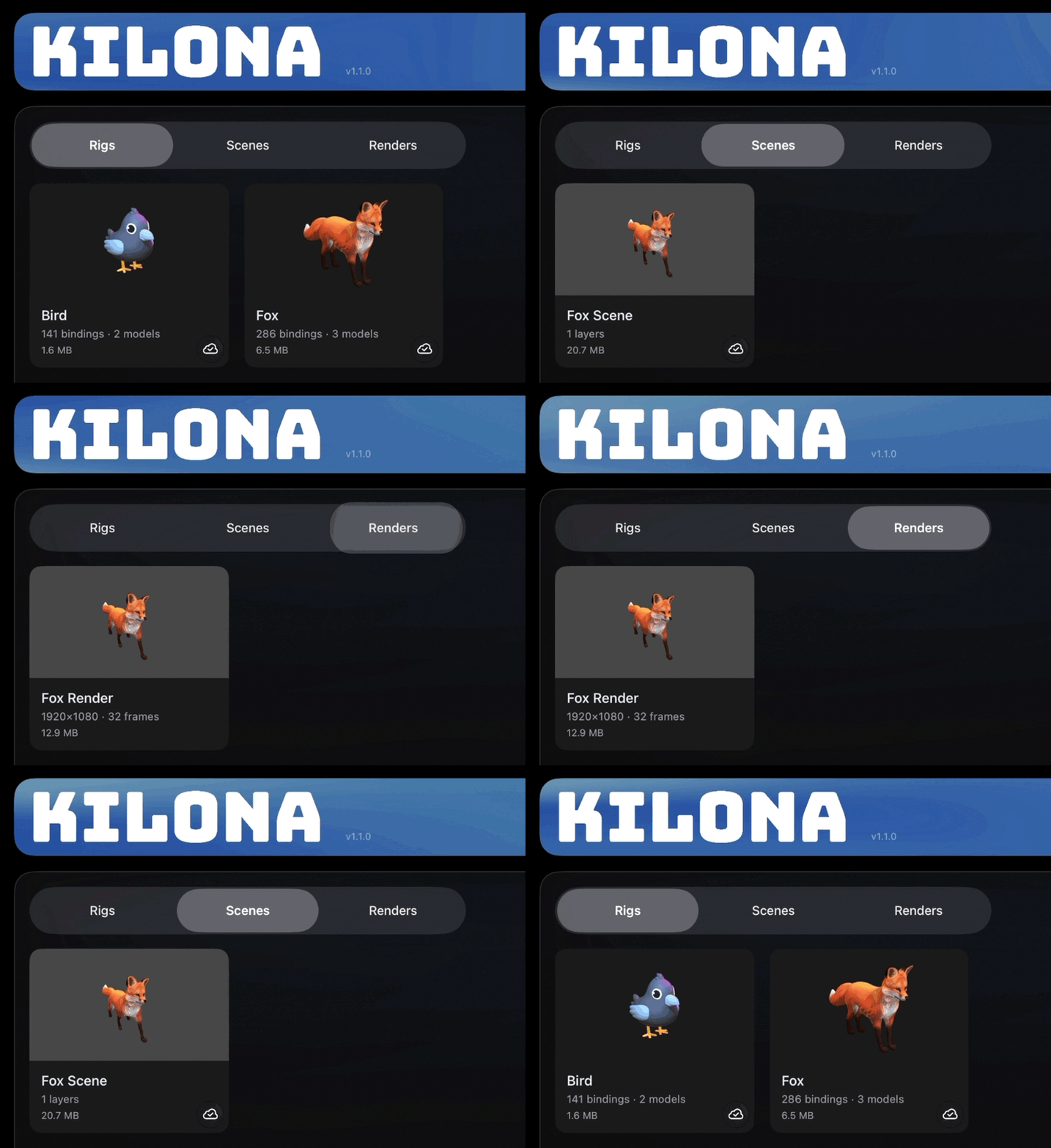
Stage one: the rig. A rig is a reusable package that includes a set of animatable controls built around a model or set of models, and its whole job is to declare what can be animated. When you build a rig, you are not animating yet. You are deciding which parts of your model can move, spin, glow, or change, and you are giving each of those controls a name. The rig is the instrument. A guitar does not play a song. It defines which notes are possible.
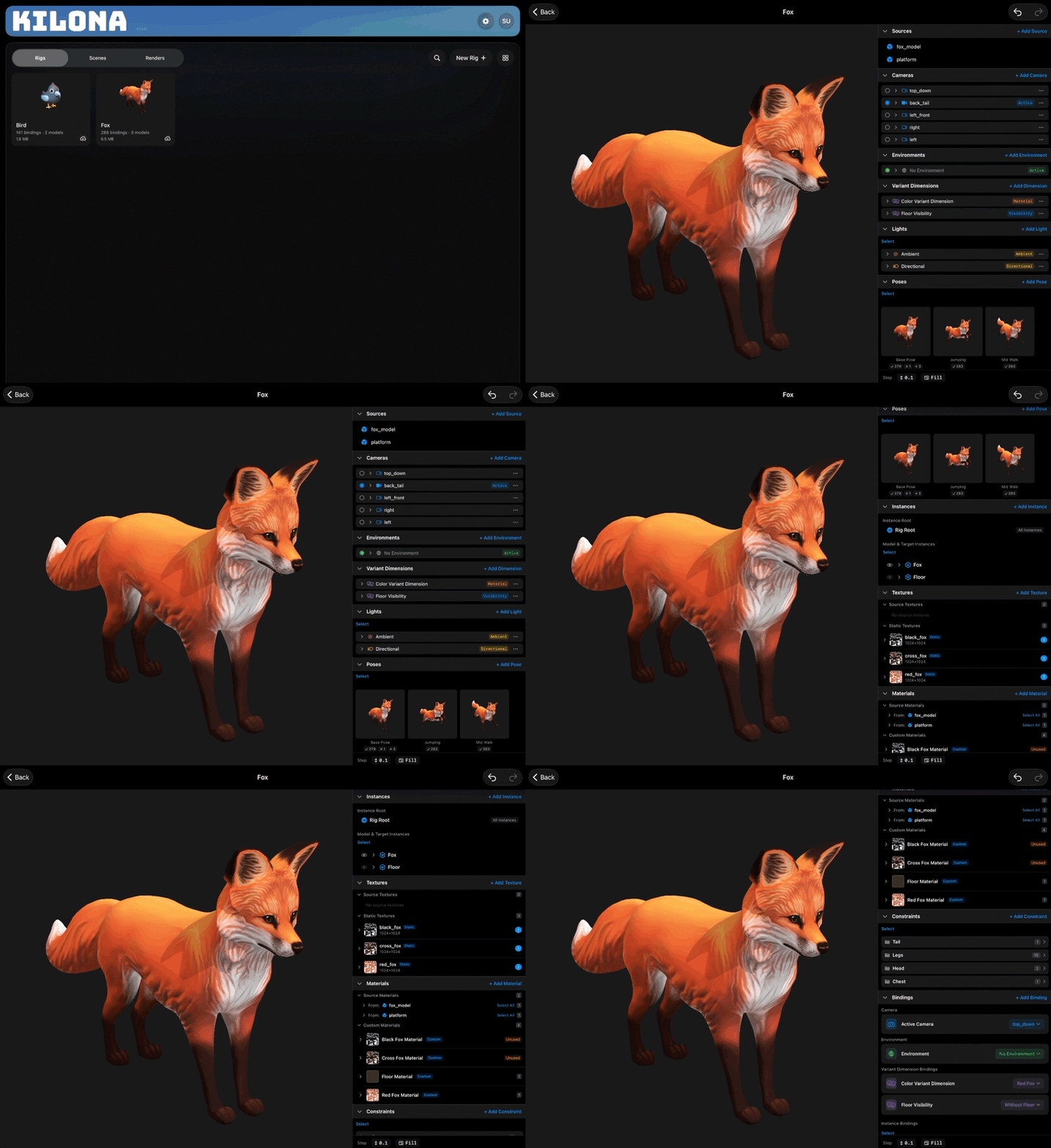
Stage two: the scene. A scene is where you compose and animate rigs. You place one or more rigs into a scene and animate their controls over time with keyframes. This is where the actual performance happens. If the rig is the instrument, the scene is the performance. The same guitar can play a thousand different songs, and the same rig can star in a thousand different scenes. That is the payoff of the split: build the instrument once, perform with it again and again.
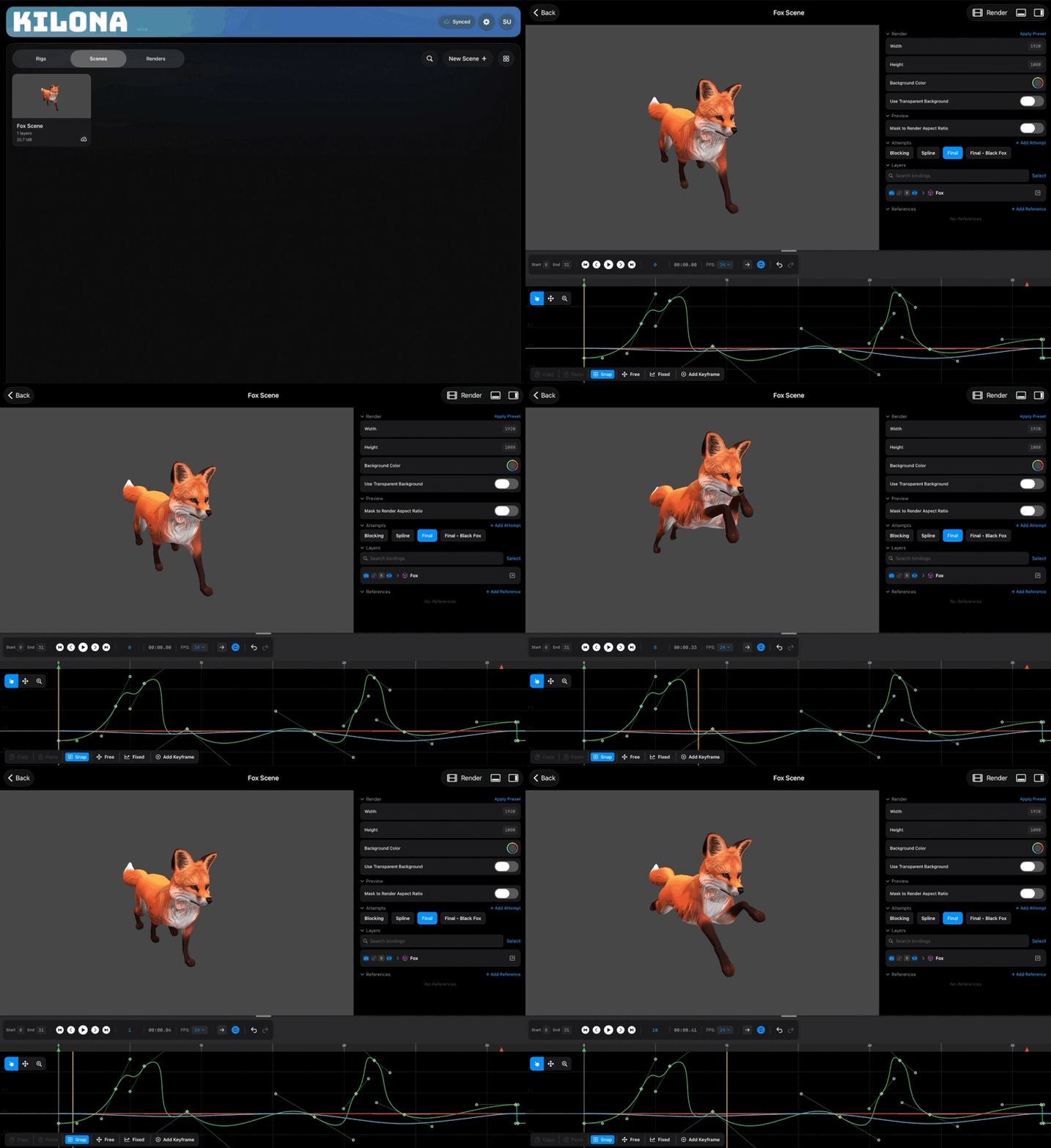
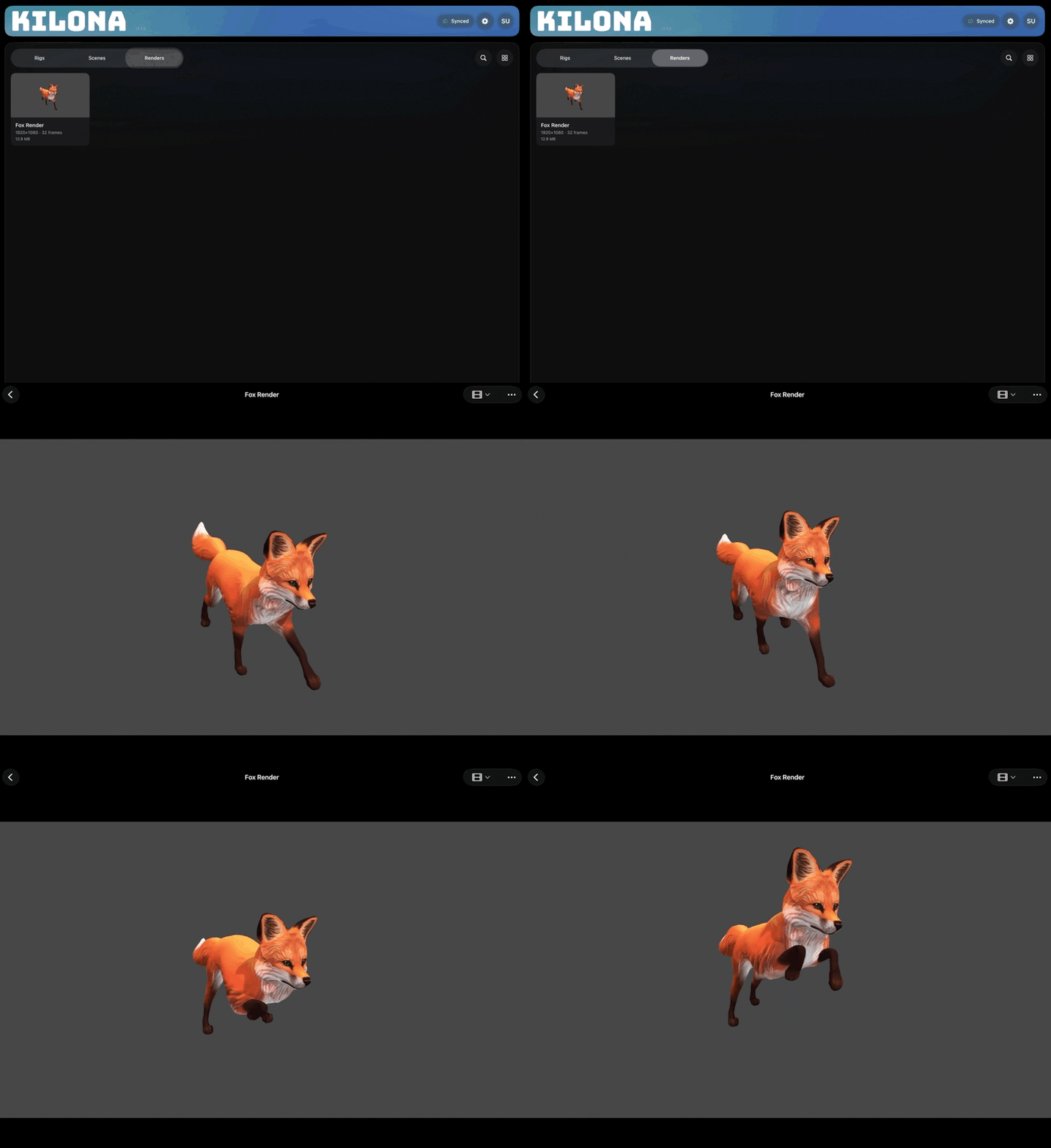
Stage three: the render. A render is the captured output of a scene: a single frame, an image sequence, or a full video. When your performance looks right, you capture it, and Kilona writes out a file you can watch, save, and share. The render is the recording. The song exists in the moment you play it, but the recording is what you hand to the world.
Notice the order of the stages. Rigs feed scenes, and scenes feed renders. That is the expected way through Kilona: build your rigs first, compose and animate them in a scene, and render when the performance looks right. And you are never locked out of an earlier stage. If you are mid-scene and wish your rig had one more control, go add it, and the scene picks it right up. But the flow of a project runs rig, to scene, to render. So when you are unsure what to do next, ask yourself one question: which stage am I on? If your model cannot do what you want, the answer lives in the rig. If the motion is wrong, the answer lives in the scene. If you want a file to share, it is time to render.
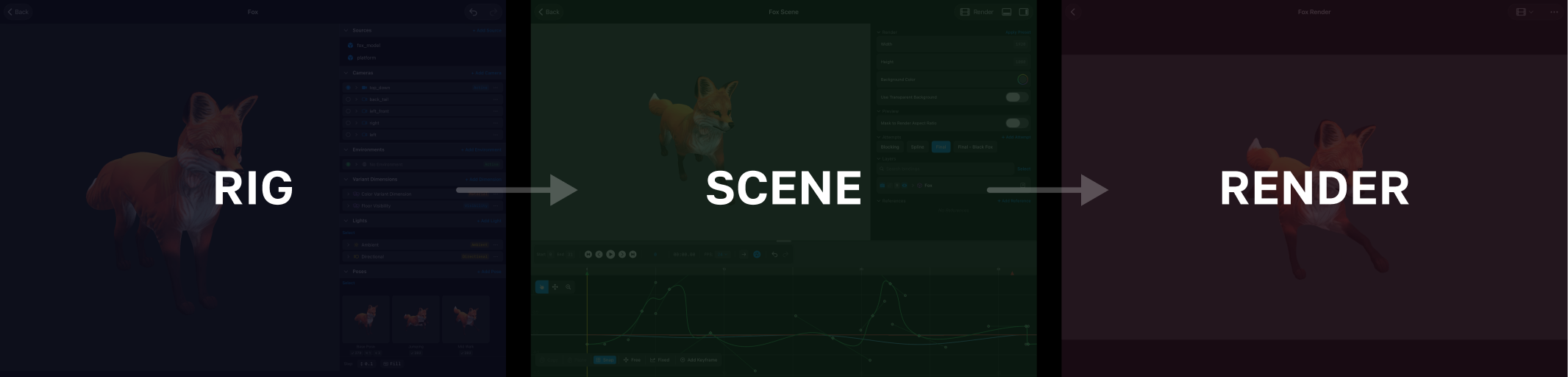
Those are the stages. Rig, scene, render, in that order, and every feature in this app lives somewhere along the way.
Recap
- The pipeline has three creative stages: rig, scene, render.
- A rig declares what can be animated. It is the instrument.
- A scene is where you compose and animate rigs. It is the performance.
- A render is the captured output you share. It is the recording.
- The expected flow runs in order: rig, then scene, then render. Going back to tweak a rig is always allowed.