The Projects Page
The Rigs, Scenes, and Renders tabs, grid and list views, and search.
The Projects page is where every session in Kilona starts. In this lesson you will learn every control on it, so finding your work takes seconds.
Open Kilona and this is where you land: the Projects page. Your projects live here, sorted by the pipeline you learned in the last lesson. Let us take the tour.
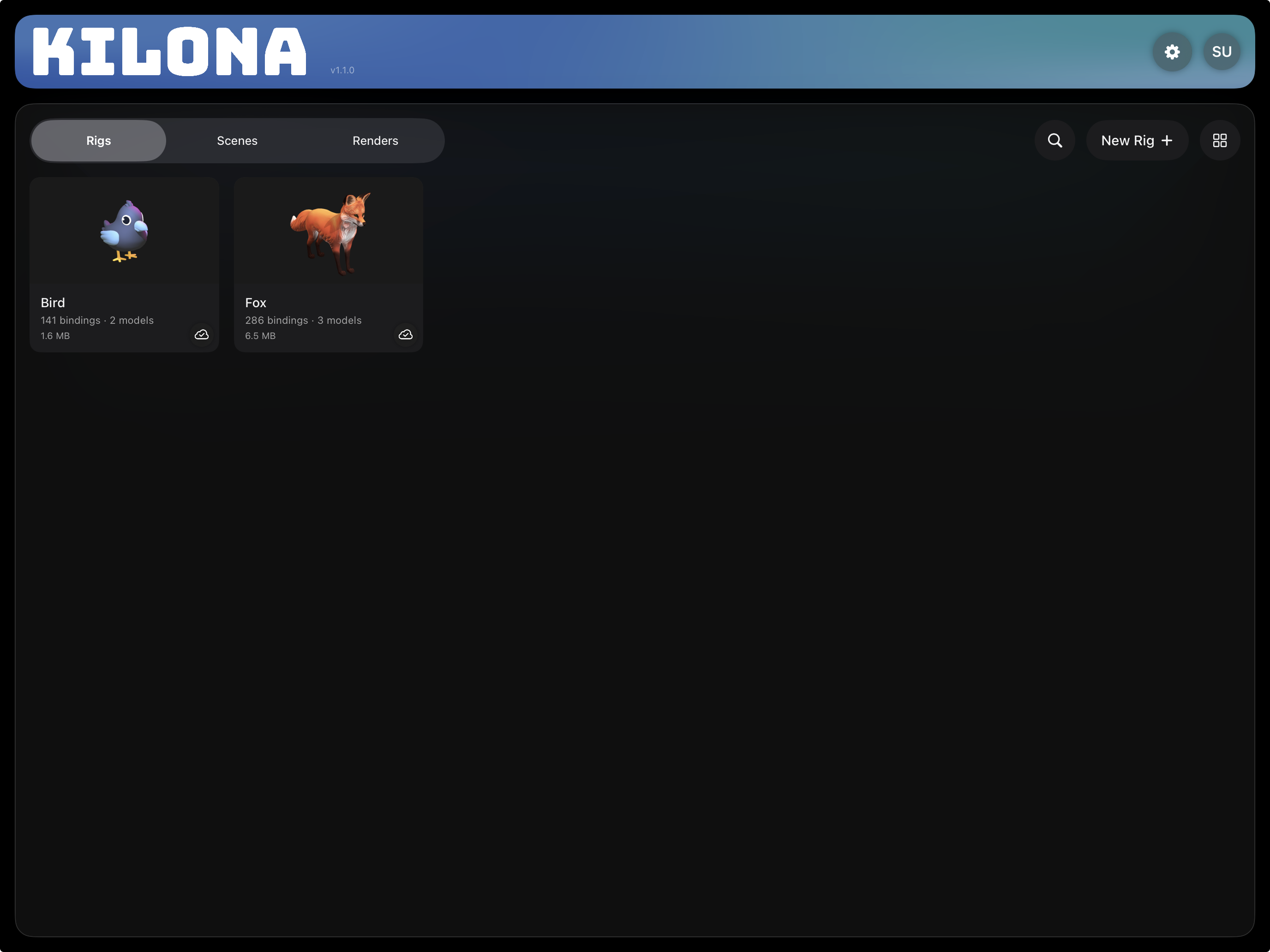
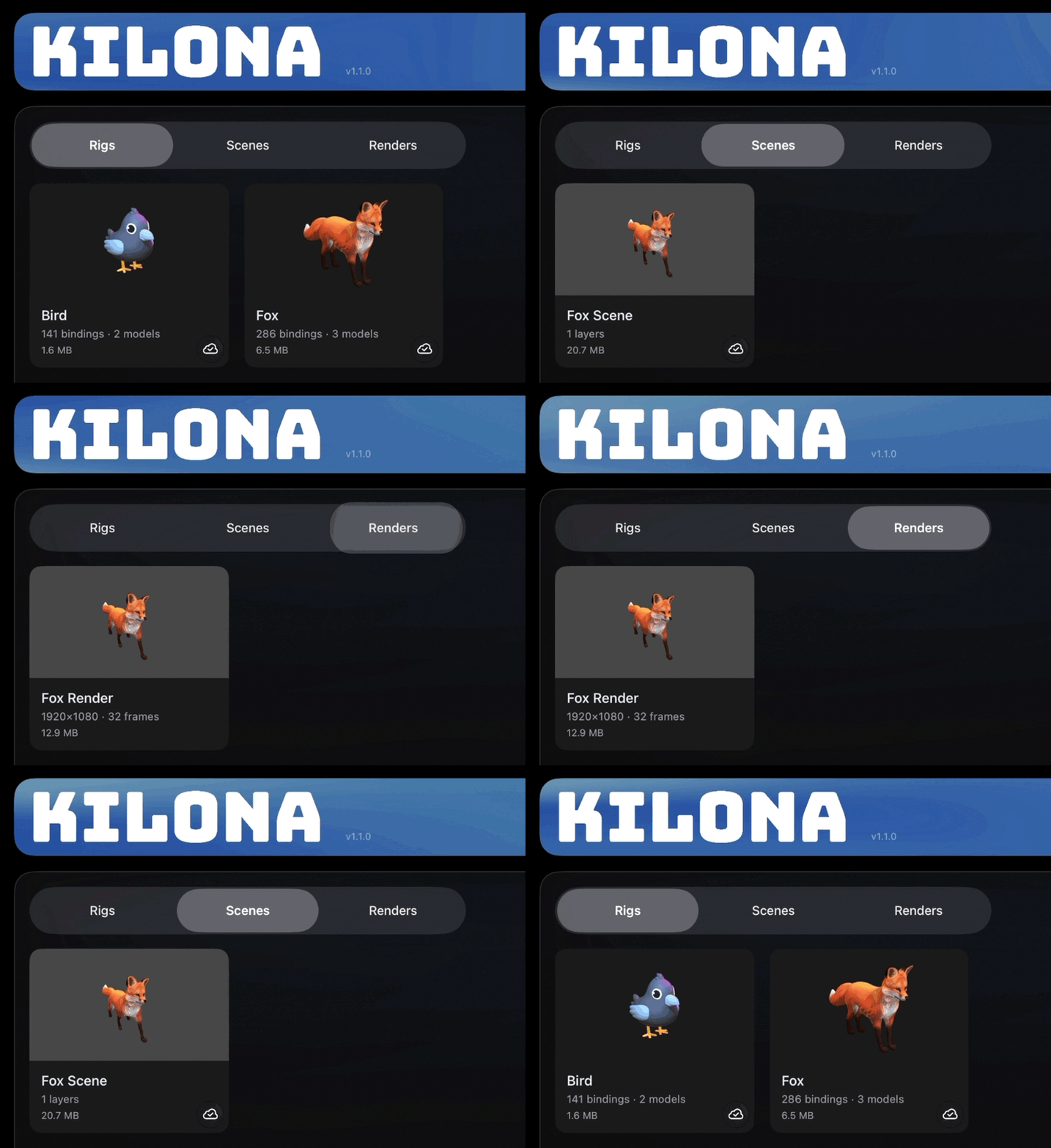
At the top sits a segmented picker with three tabs: Rigs, Scenes, and Renders. These are not arbitrary categories. They are the three stages of the pipeline, in order. The Rigs tab holds your instruments, the Scenes tab holds your performances, and the Renders tab holds your recordings. One tap moves you between stages, and the tab you are on always tells you which stage you are standing on.
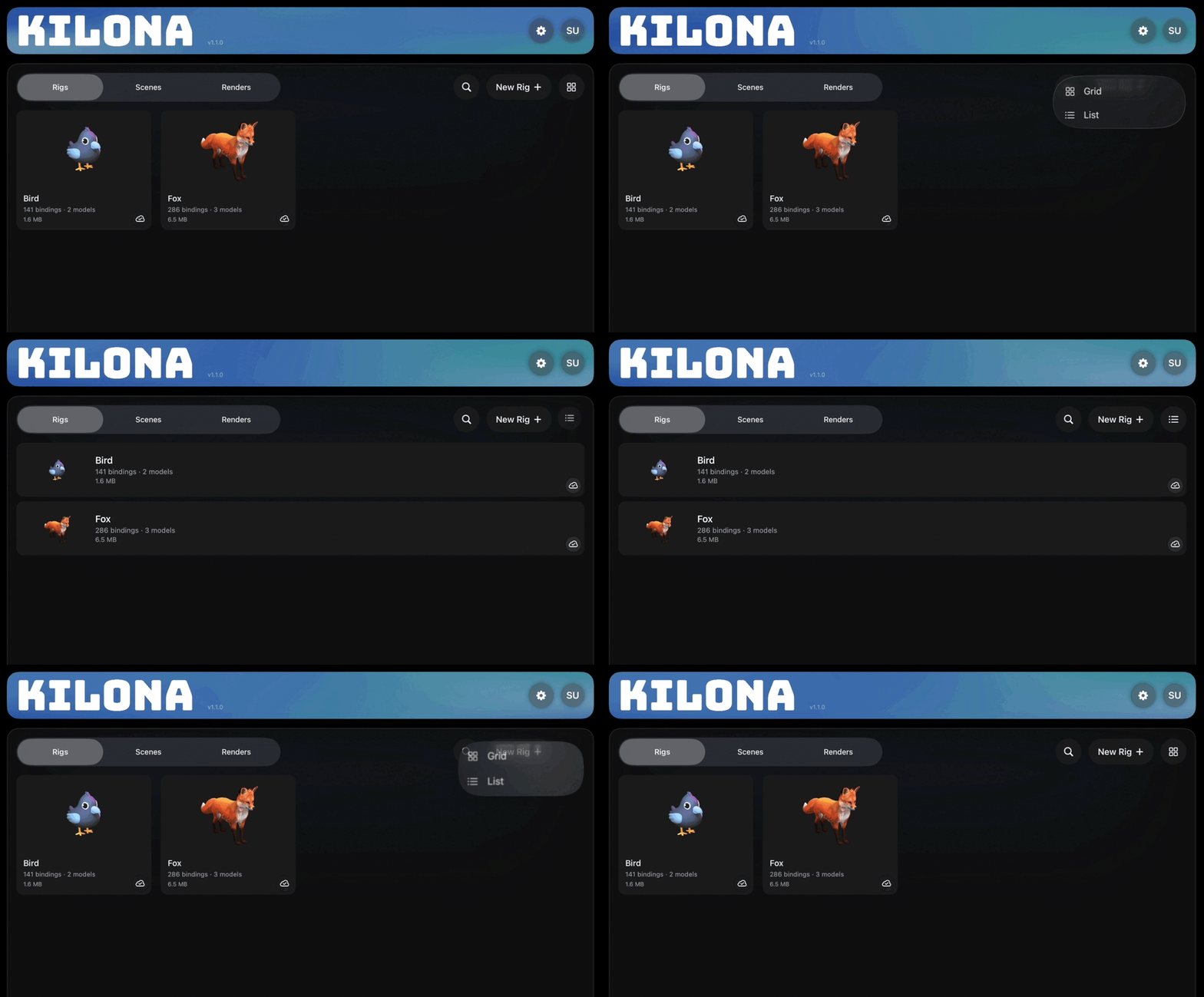
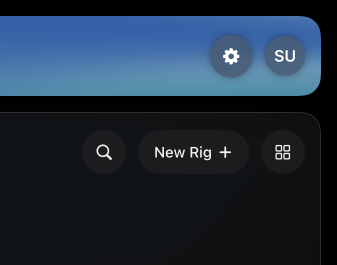
Each project appears as a card with a thumbnail and a name. If you prefer a denser look, there is a view toggle that switches between a grid and a list. Grid view gives you big thumbnails, which is great for telling scenes apart visually. List view fits more names on screen, which is great once a tab gets crowded. Here is a nice touch: Kilona remembers your choice per tab. You can keep Rigs as a list and Renders as a grid, and each tab stays the way you left it.
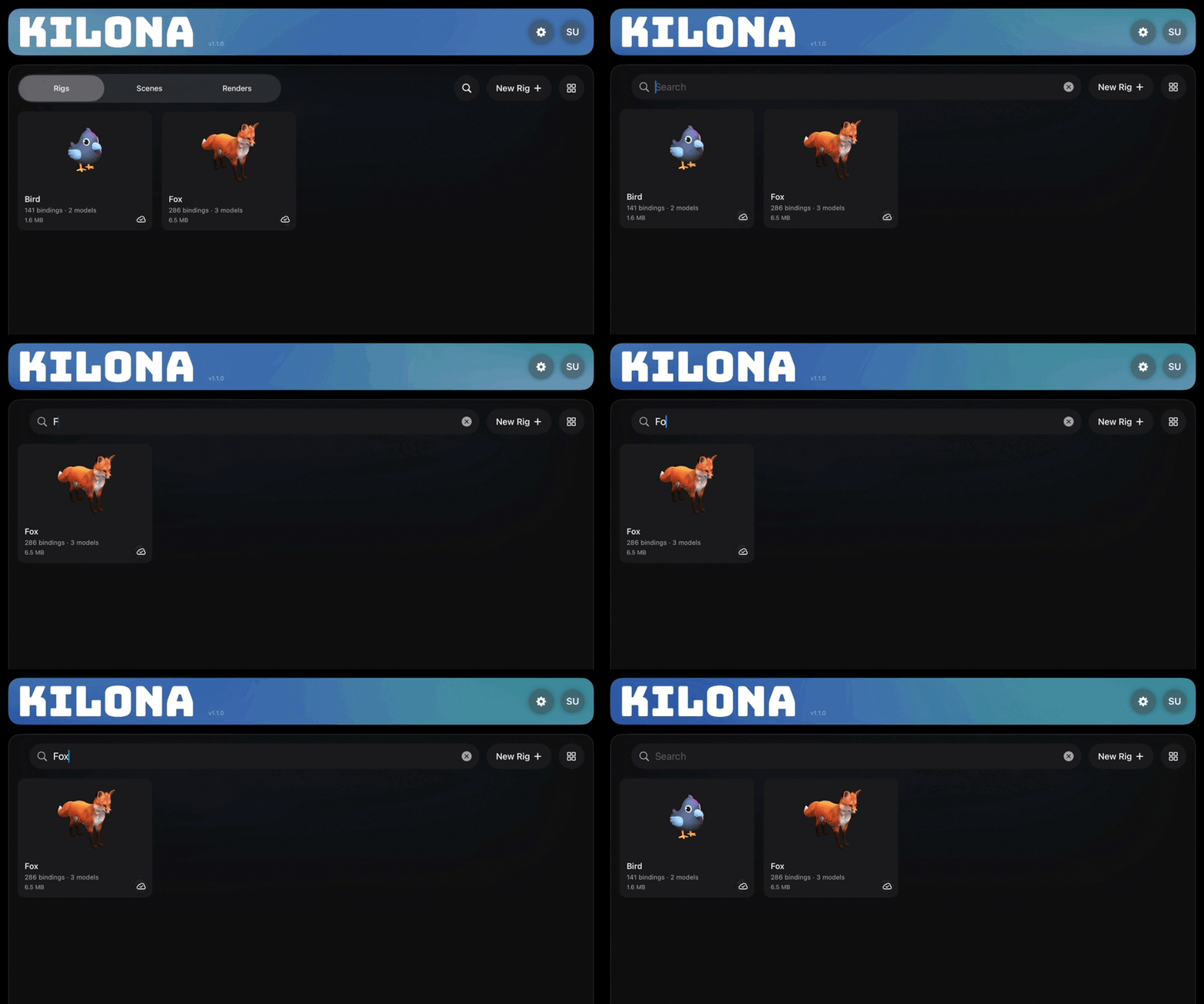
Next to that is the search button. Tap it and type, and the current tab filters by name as you go. Notice I said the current tab. Search does not look across all three tabs at once. If you are hunting for a scene, switch to the Scenes tab first, then search. Clear the text and the full collection comes right back.
In the corner you will find a gear icon. That opens Settings. We will not go through Settings today. That is its own lesson.
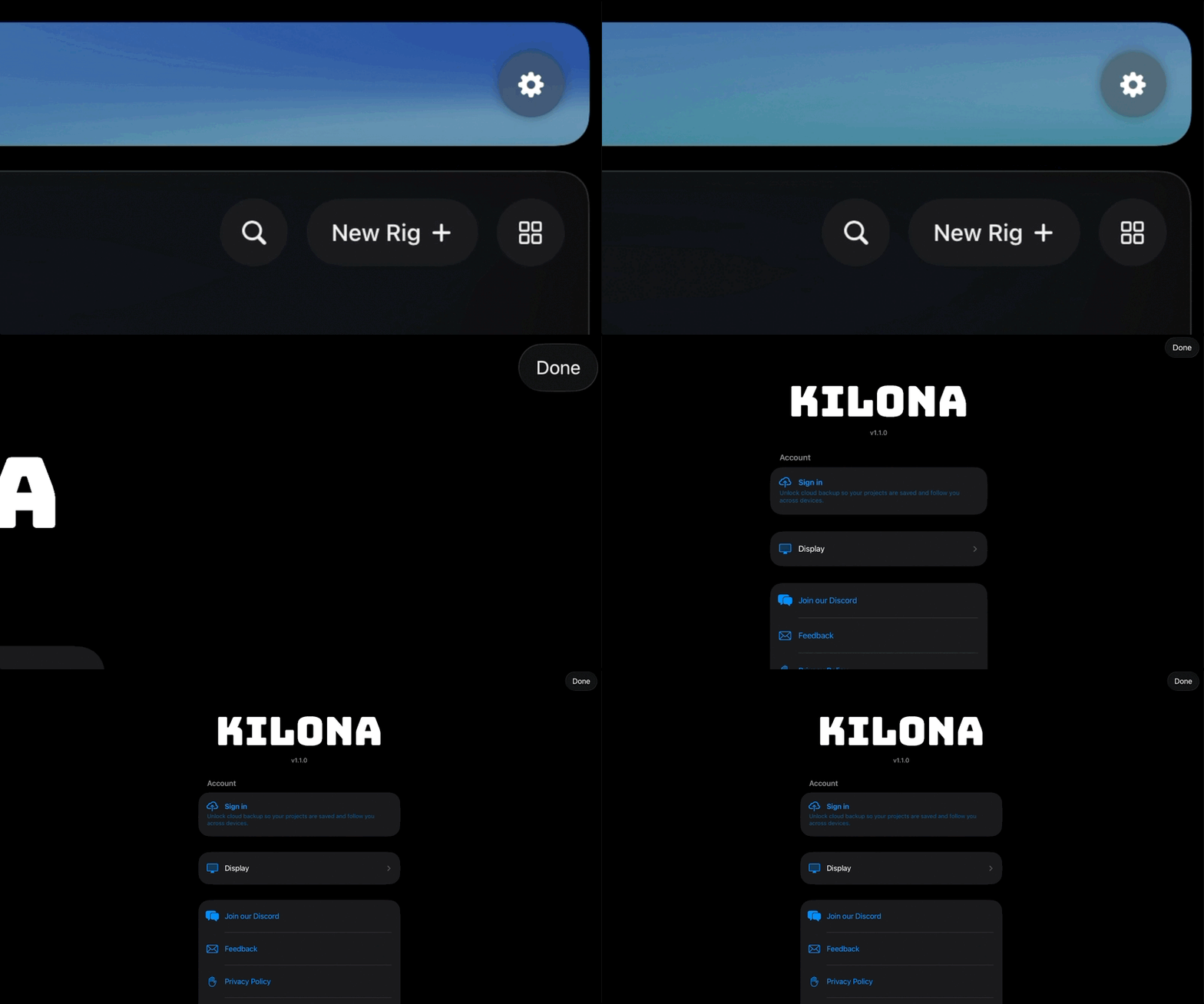
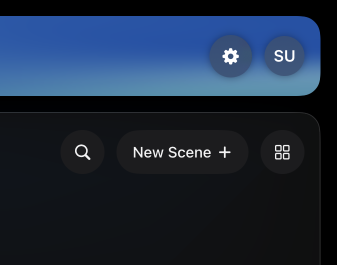
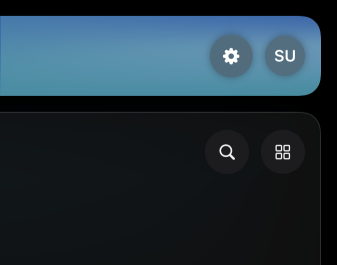
One more detail worth noticing. The Rigs and Scenes tabs each have a create button: New Rig on one, New Scene on the other. The Renders tab has no create button. That is because a render is not created from scratch, it is captured from a scene. When you are ready to render, you open the scene and tap the film icon there. If your Renders tab is empty, its message points you the same way.
And that is the whole map. Three tabs for three stages, a view toggle that remembers each tab, search that filters where you stand, and a gear for Settings. Small screen, complete studio.
Recap
- The Projects page has three tabs: Rigs, Scenes, and Renders, matching the pipeline.
- The view toggle switches grid and list, and each tab remembers its own choice.
- Search filters the current tab by name, not all tabs at once.
- The gear icon opens Settings.
- The Renders tab has no new button, because renders come from scenes.