The Target Tab
Position the point your camera cares about.
In this lesson you will learn the single most important idea in the whole camera system: the target, the one point in space your camera cares about.
Every camera in Kilona is built around one point in space. Not a direction, not an angle. A point. That point is the target, and the Target tab is where you place it.
Open the camera you made last lesson and make sure you are on the Target tab. You will see three values: Position X, Y, and Z. Together they set where the target sits in the rig's space.
Here is why this point matters so much. The camera always looks toward the target, and when you orbit the camera in the next lesson, it swings around the target. The target is the pivot of everything. Get it right and every other camera control gets easier.
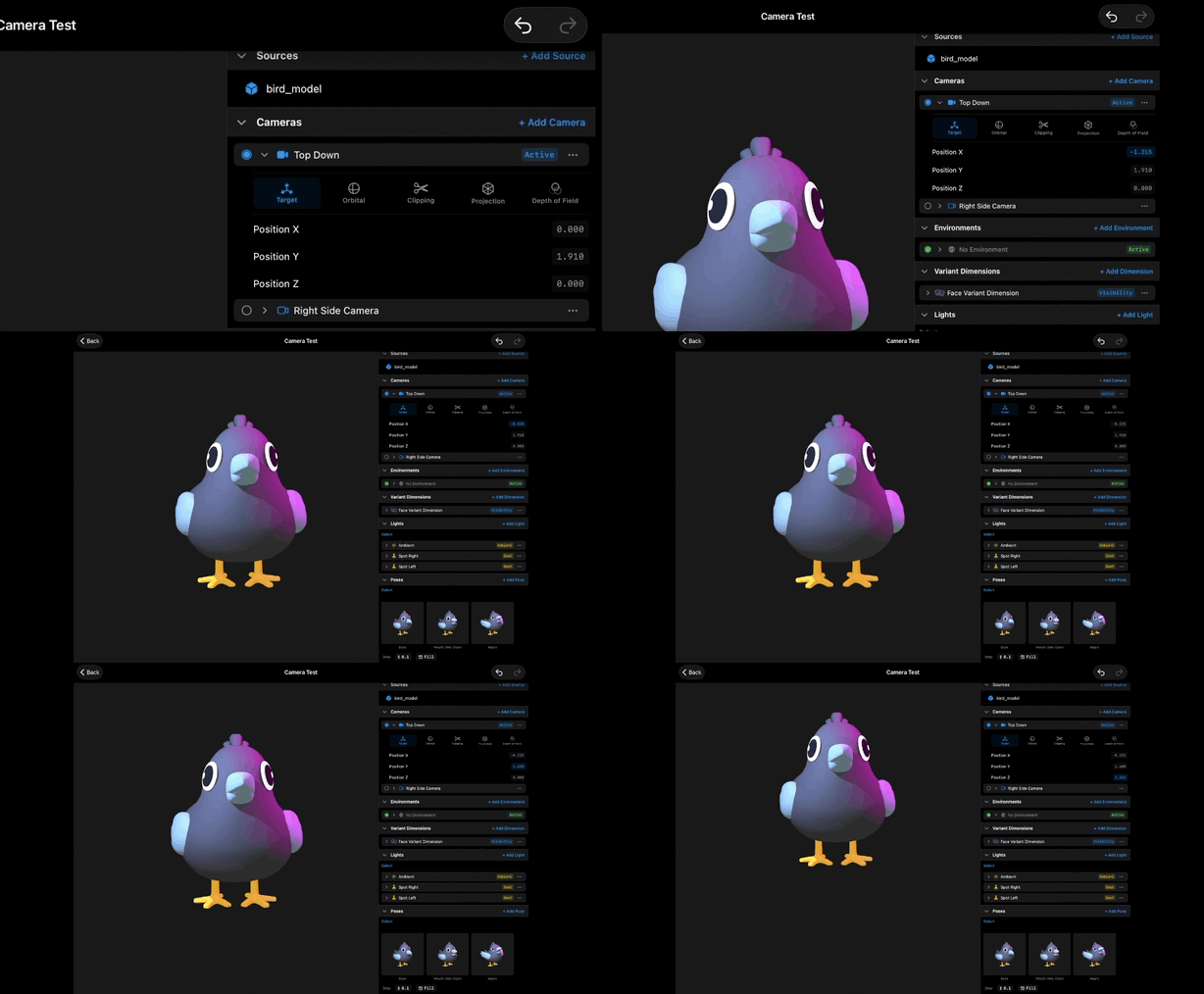
Look at the viewport. Right now the target is probably at the rig's origin, which may not be the interesting part of your model. Say you have a character and you want to frame the face. The face is up at some height, so the target needs to move up too.
Drag on the Position Y field. These are drag fields: press and slide left or right to scrub the value, and the viewport updates live. Slide Y up and watch the whole framing glide upward as the camera tracks its target. The camera is not moving on its own. It is following the point it cares about.
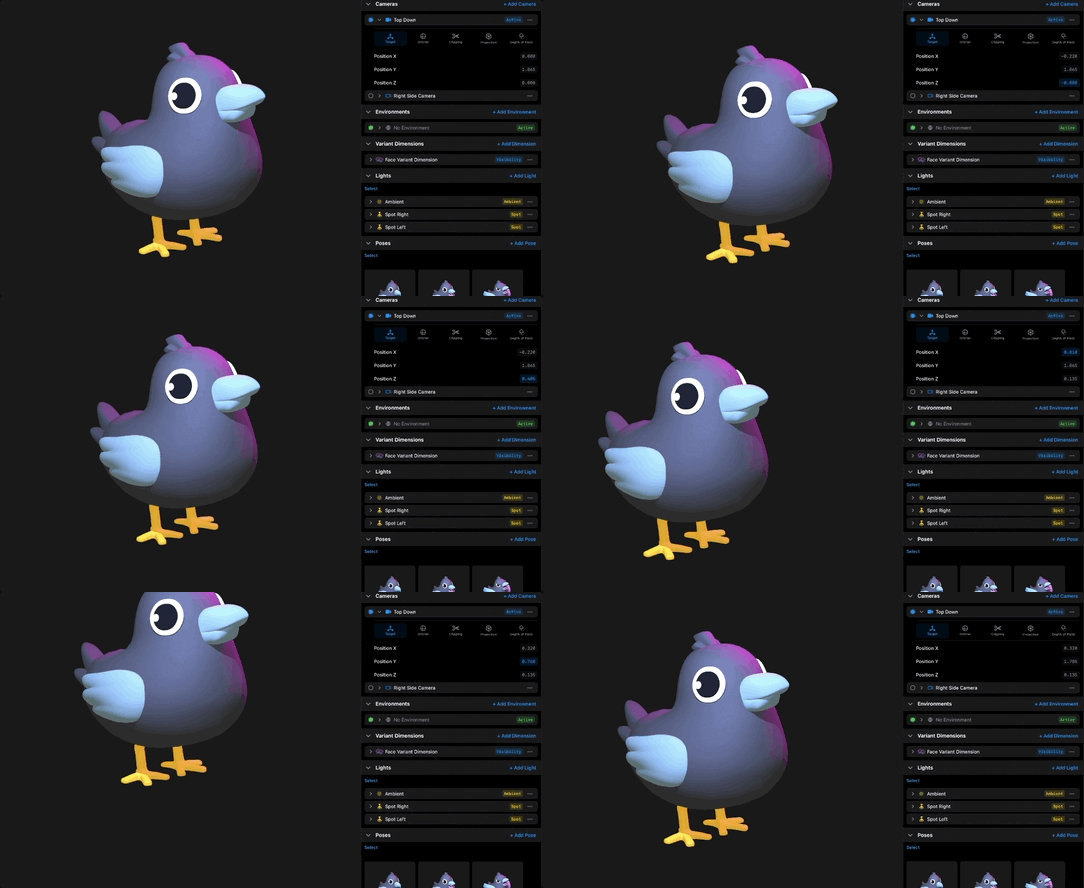
Now try Position X and Position Z. X slides the target side to side, Z pushes it forward and back in the rig's space. As you scrub each one, notice that the subject of the shot changes. Whatever sits at the target sits at the center of attention.
Sometimes a drag field moves too fast or too slow for the change you want. That is what the Step control is for. Step sets the increment each bit of drag applies. Set a small step for fine framing work, like nudging the target onto an eye. Set a big step to jump across a large scene in a few swipes.
A practical habit: place the target on the part of the model the shot is about, then leave it alone. Framing a product? Put the target at its center. Framing a face? Put it between the eyes. When a shot feels awkward and you cannot say why, check the target first. Nine times out of ten it is sitting somewhere the shot is not about.
One more thing before we go. Each Position value here is a camera property, which means it can be bound and animated in a scene. A moving target means a camera that follows the action. That is its own lesson.
Recap
- The target is the point your camera looks toward and orbits around.
- Position X, Y, and Z on the Target tab place that point in the rig's space.
- Drag fields scrub values live, and the Step control sets the increment.
- Put the target on the subject of the shot, then leave it alone.
- Target position can be bound and animated in a scene.