Sources vs Instances
A source is the asset. An instance is a placed copy. One model, many instances.
One imported model, a whole crowd on screen. That is what sources and instances buy you, and by the end of this lesson you will be placing copies like it is nothing.
Last lesson you hit the moment every new Kilona user hits: you imported a model, and the preview stayed empty. Then one "+ Add Instance" made it appear. This lesson is about why it works that way, because that split is one of the most useful ideas in the app.
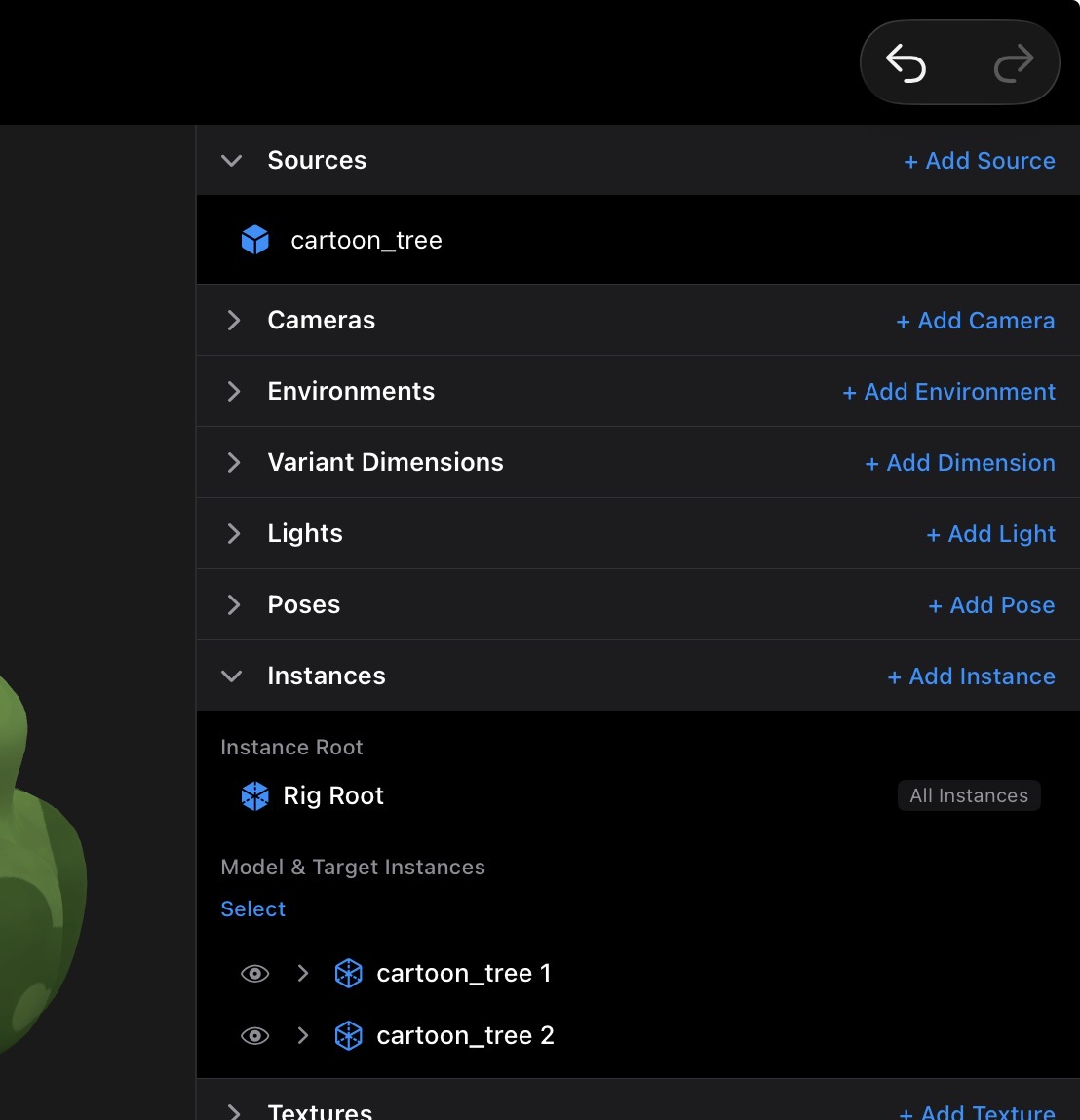
Two definitions, clean and simple. A source is the imported asset file, the actual model data Kilona stored when you tapped Add Model. An instance is a placed copy of a source, a thing that actually stands in your rig. The source is the asset on the shelf. The instance is the copy on the stage. The shelf never appears in the show. Only what you place on stage does.
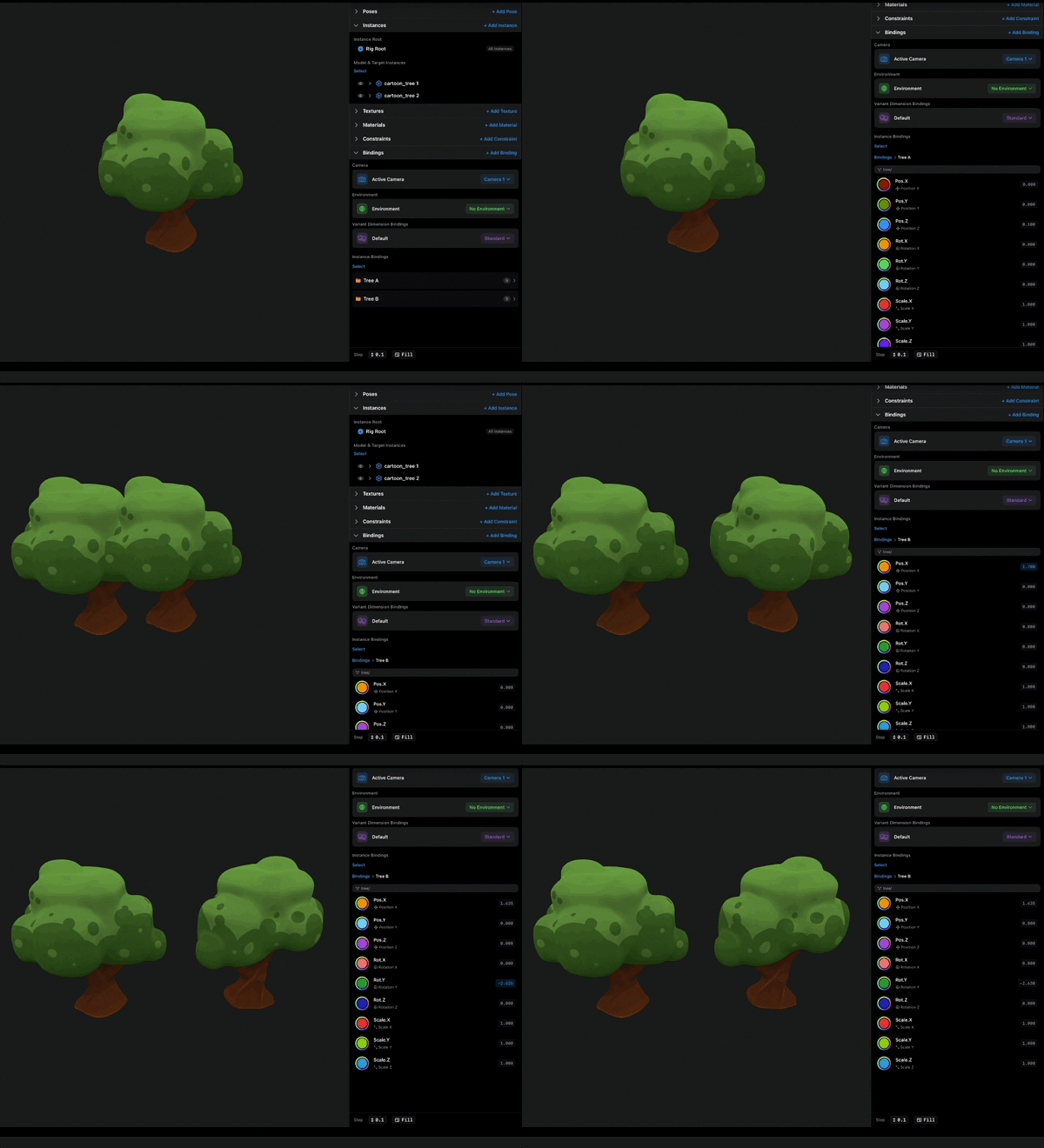
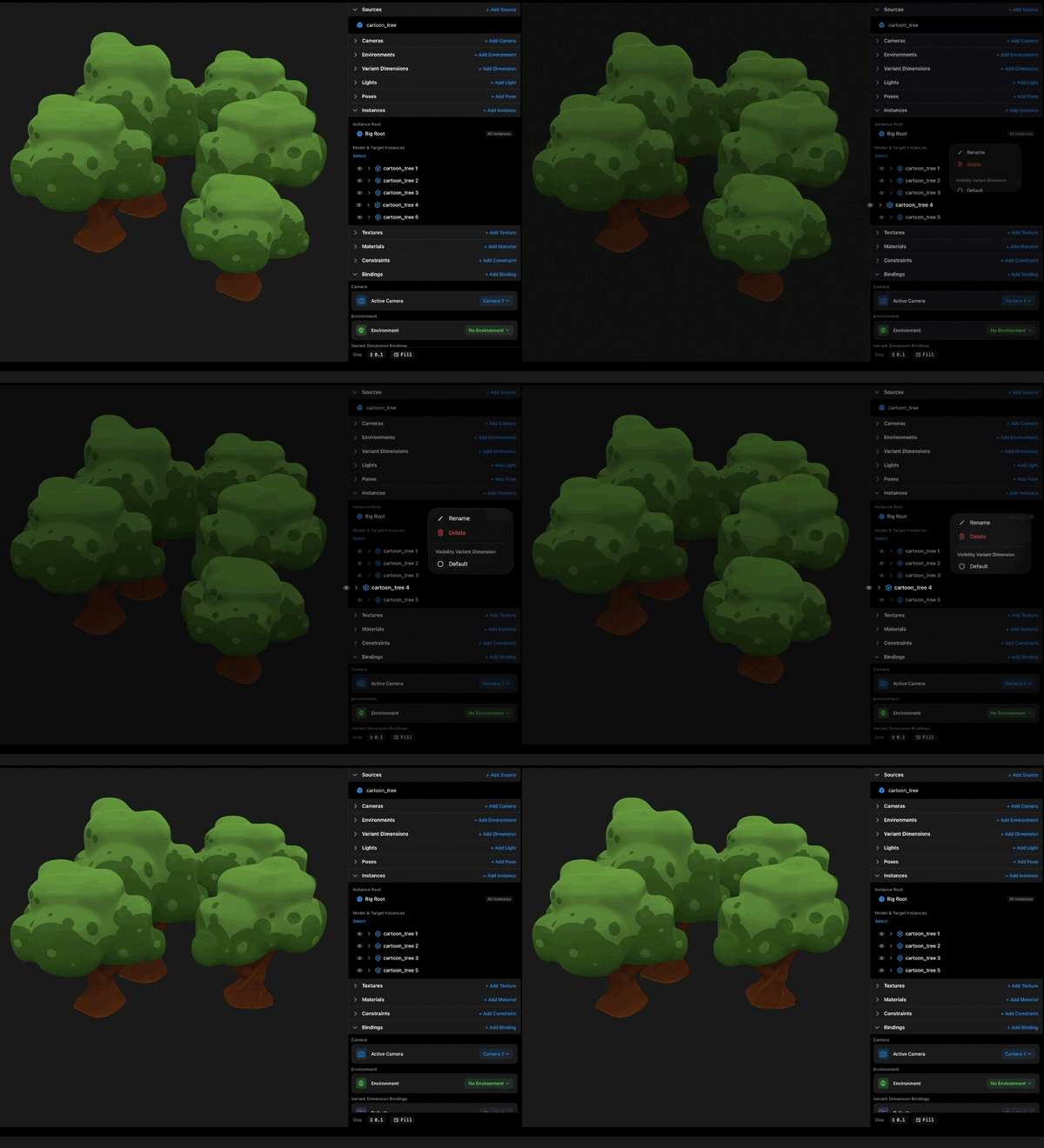
Here is where it gets good: one source can have many instances. Watch. I will go to the Instances section and tap "+ Add Instance" again, pointing at the same source. Now there are two of the model in the preview. Again, three. Again, four. Each instance is its own placed copy. It has its own position, its own rotation, its own scale. Move one and the others do not care.
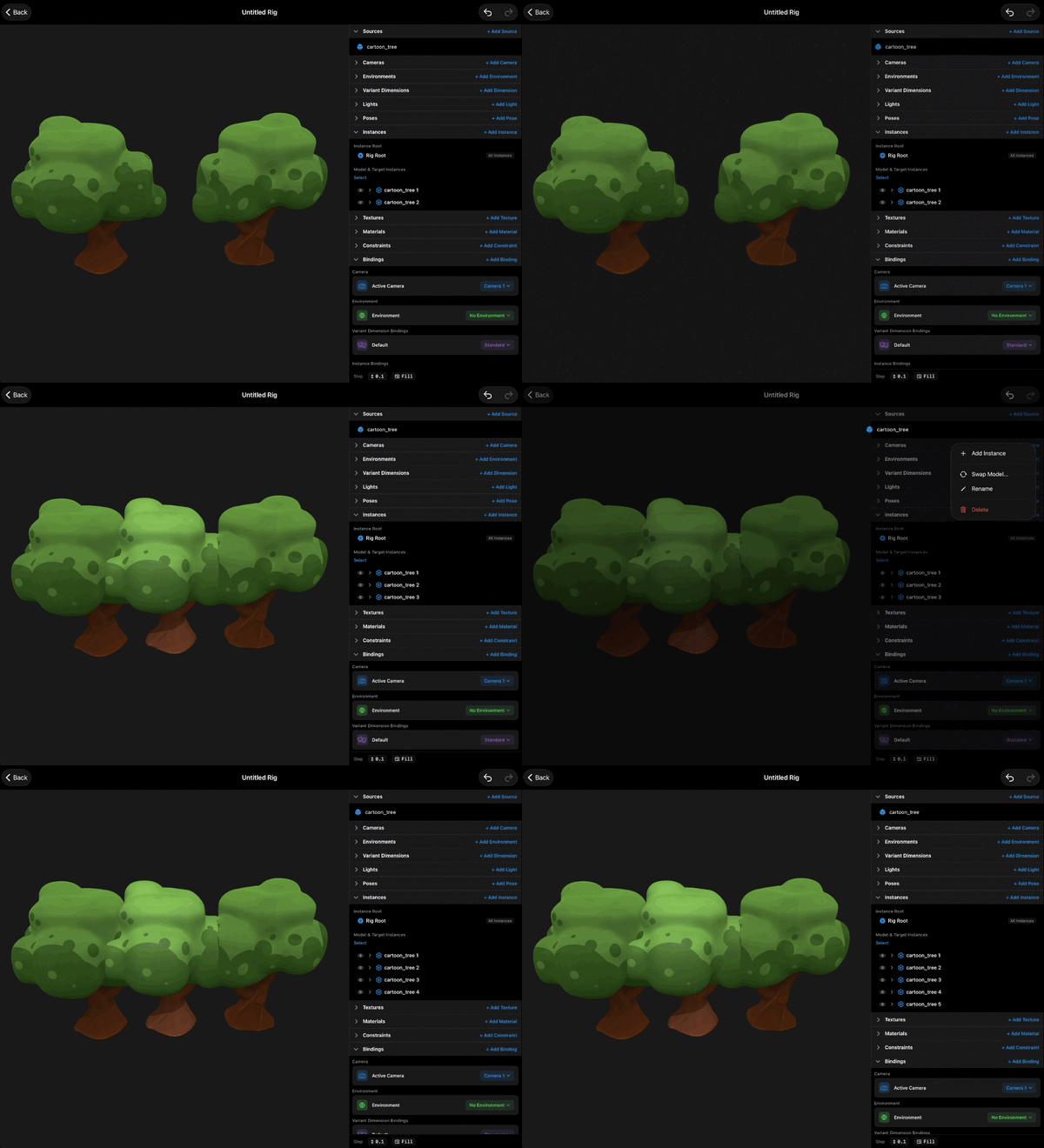
But, and this is the payoff, they all share the same source. The model data exists once. Kilona is not storing four copies of the file, it is drawing the same asset four times. So a forest is one tree source and dozens of tree instances. A crowd is a few character sources placed again and again. A dinner table is one chair source and six chair instances. Anywhere you would drag the same file in over and over in another tool, here you import once and place many.
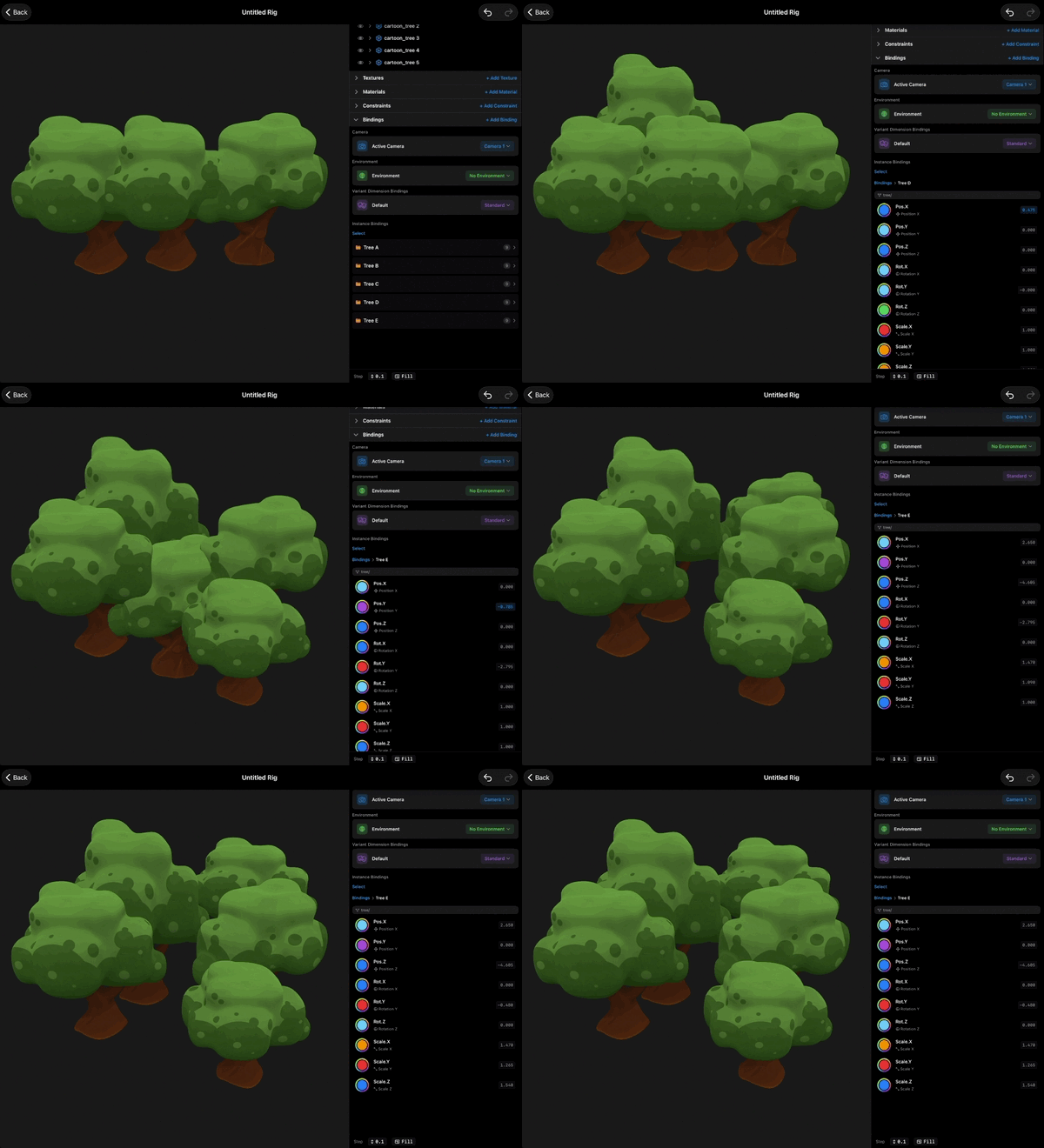
The split also decides where changes land. Change something about a source, and every instance of it follows, because they are all drawing from the same shelf. Change something about one instance, like its position or scale, and only that copy is affected. Once you know that, you always know which of the two to reach for.
You can see all of this laid out in the two sections. Sources lists what has been imported: one row per asset. Instances lists what has been placed: one row per copy, and every row tells you which source it came from. Reading those two lists together tells you exactly what a rig is made of. And instances get names too to help you identify which instance you are working on.
Removing works the way you would expect. Delete an instance, and one copy leaves the stage while the source stays on the shelf, ready to be placed again. The source is the valuable thing. Instances are cheap, so place them freely.
Shelf and stage. Import once, place many. That is the whole model, and you will use it in every rig you ever build.
Recap
- A source is the imported asset file. An instance is a placed copy of it.
- Nothing appears in the preview until it is placed as an instance.
- One source can have many instances, each with its own position, rotation, and scale.
- Source changes reach every instance. Instance changes touch only that copy.
- Deleting an instance never deletes the source.