The Node Hierarchy
Every instance is a tree of nodes. Bindings and constraints point at nodes.
Every model you import is secretly a tree. Learn to read that tree, and you will always know exactly which part of a model to grab when it is time to make it move.
So far we have treated an instance as one thing: a chair, a character, a robot. But tap into an instance and it opens up, because a 3D model is not one solid lump. It is a structure.
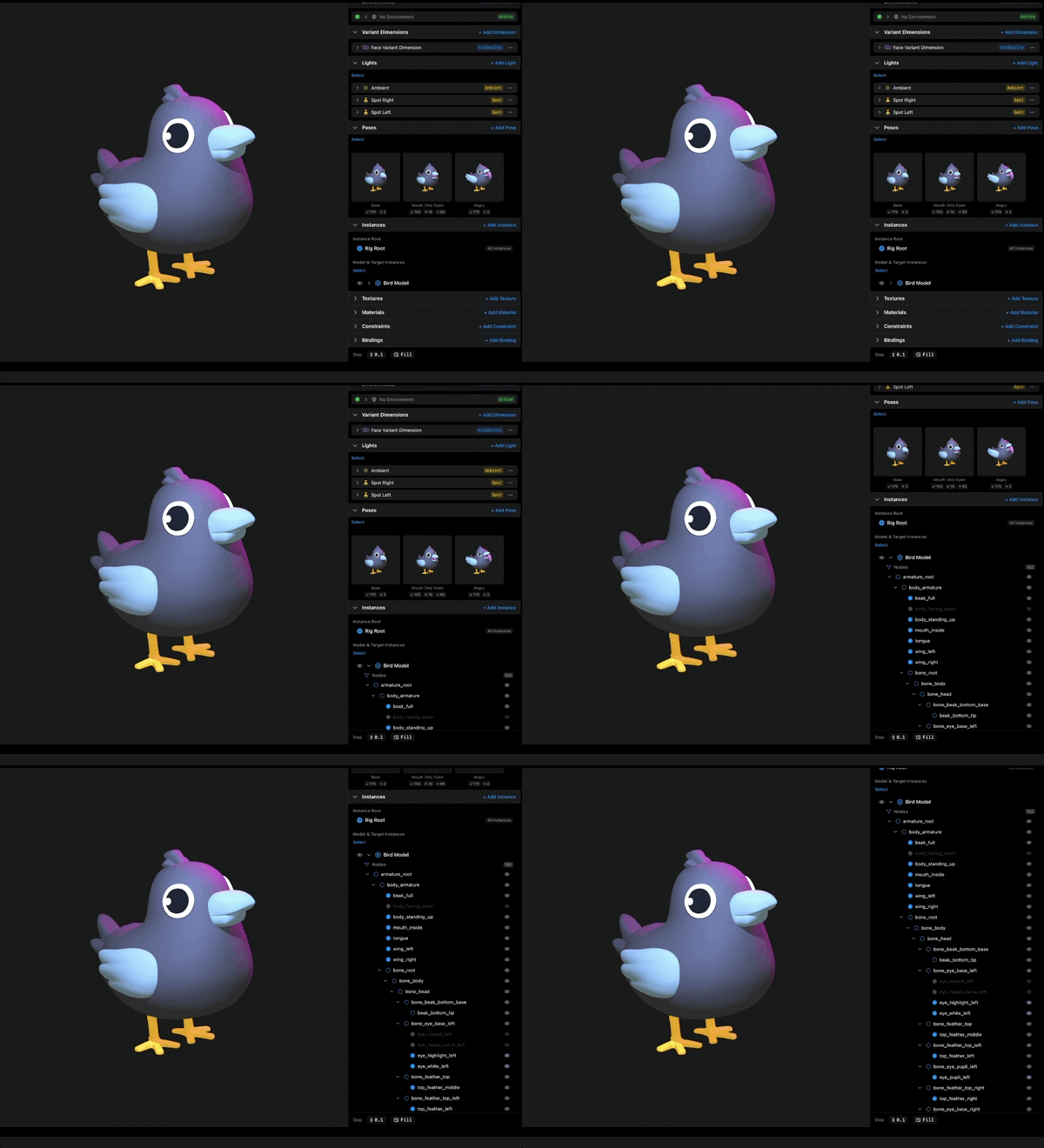
That structure is the node hierarchy. A node is one named part inside the model: a group, a mesh, a joint. Nodes nest inside each other, parents and children, and the whole thing forms a tree. Every instance expands into one of these trees, and the shape of the tree comes straight from the model file itself. Whoever built the model in their 3D software decided how it is organized and what everything is called. Kilona shows you exactly what they made.
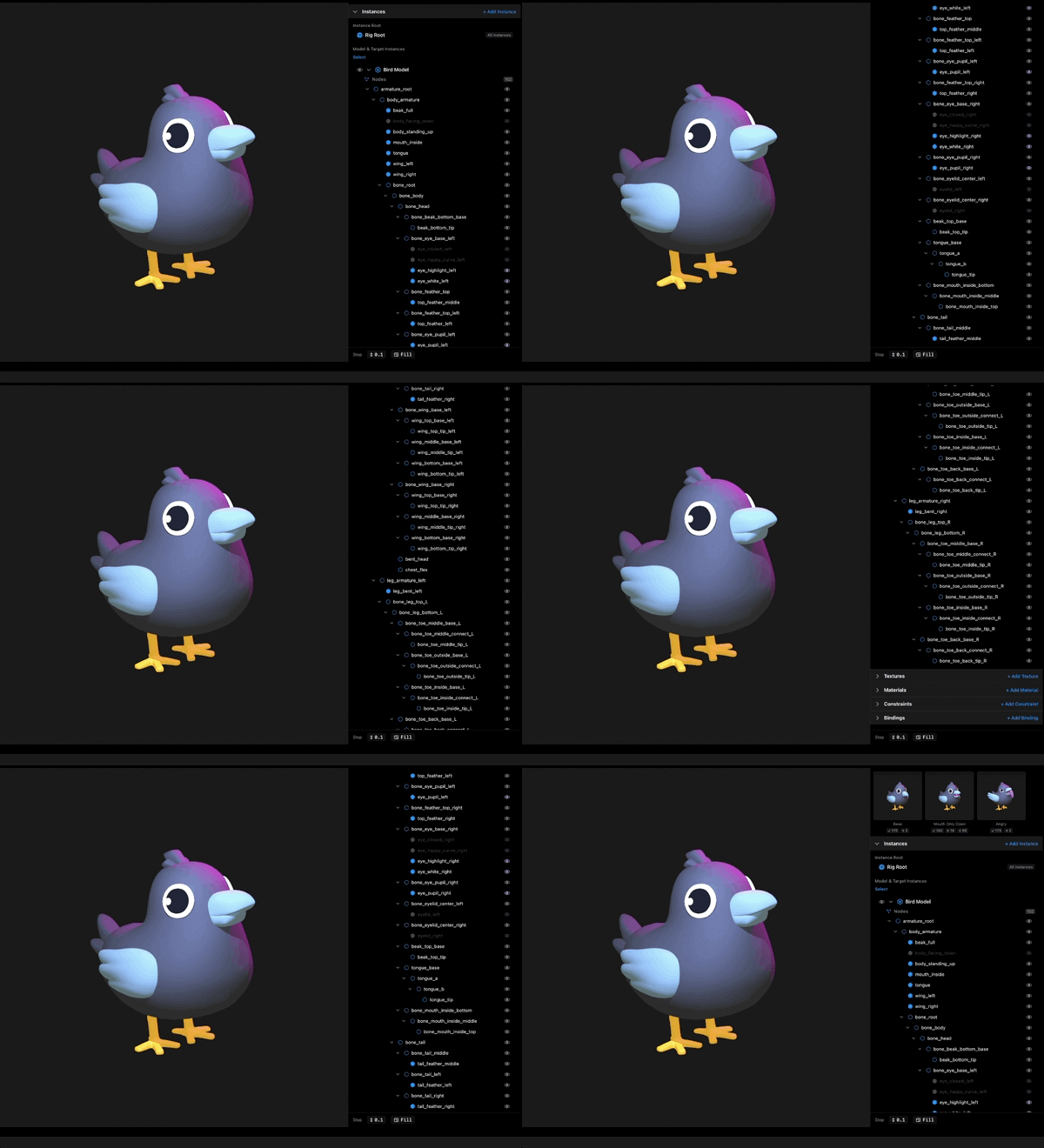
The nesting is not decoration. It is how the model actually moves. A child node travels with its parent. On a character, the hand is a child of the arm, so when the arm swings, the hand comes along, and the fingers under the hand come along too. Grab a node high in the tree and you move a whole branch. Grab a leaf and you move one small piece. Same model, very different handles.
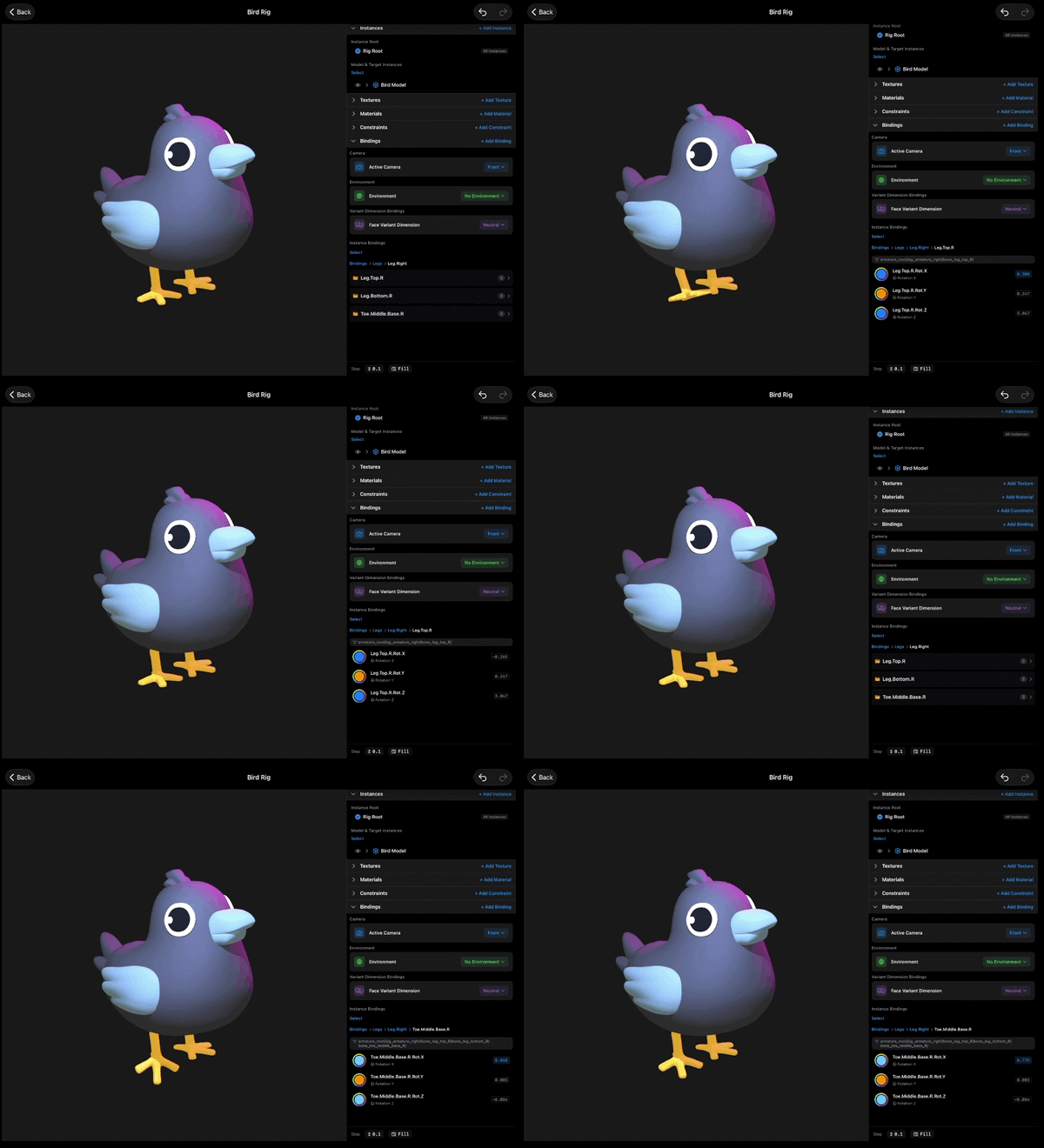
Now, why does any of this matter? Here is the reason, and it is the reason this lesson exists. Bindings and constraints, the controls that make a rig a rig, point at specific nodes. A binding is a named control on one property of one element, and that element is usually a node. A constraint is one node driving another. Not "the character". A node. "left_hand". "jaw". "wheel_front". When you build a control, Kilona will ask you which node, and you will answer by picking from this exact tree.
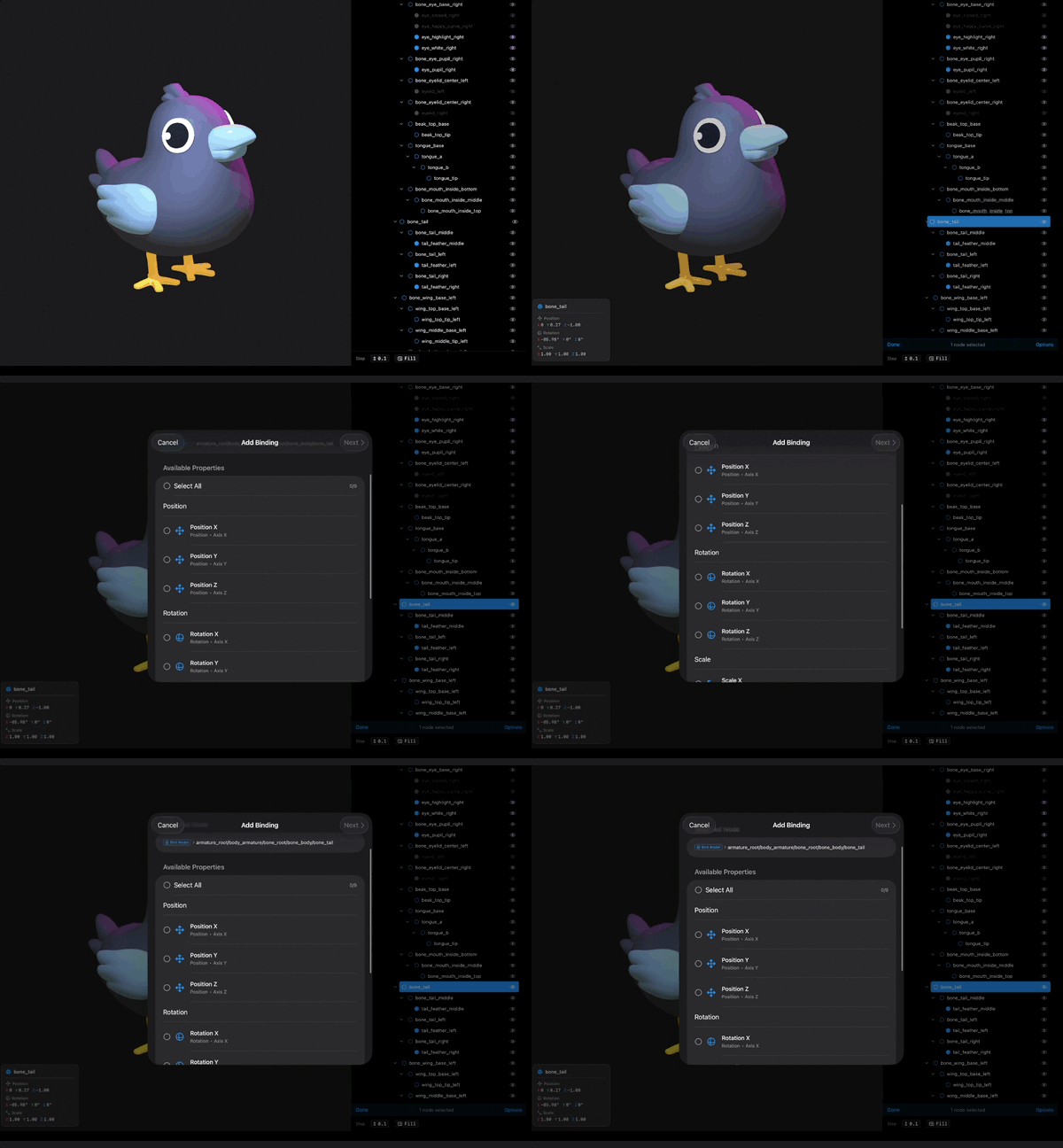
So browsing the hierarchy is not sightseeing. It is how you find what to control. Building bindings and constraints is its own set of lessons, so we will not create one today. Today's job is the habit that makes those lessons easy: every time you import a model, expand its instance and take the tour. Find the parts you care about. Notice which parents own which children. Two minutes of reading the tree now saves you twenty minutes of hunting later, and it tells you early whether a model is well built or a mess.
Read the tree, know the model.
Recap
- Every instance expands into a node hierarchy, a tree of named parts from inside the model file.
- Child nodes move with their parents, so where a node sits in the tree decides what it carries.
- Selecting a node highlights it in the live preview, which beats guessing from names.
- Bindings and constraints point at specific nodes, so the tree is where you find what to control.
- Explore the hierarchy right after every import. It is two minutes well spent.