What is a Rig?
A rig declares what CAN move. The animation itself lives in a scene.
Before you animate anything in Kilona, you build a rig. In the next few minutes you will know exactly what a rig is, what it is not, and why that split makes everything you build reusable.
Welcome to Rig Basics. This whole course is about the first stage of the Kilona pipeline, so let's start with the idea that everything else sits on.
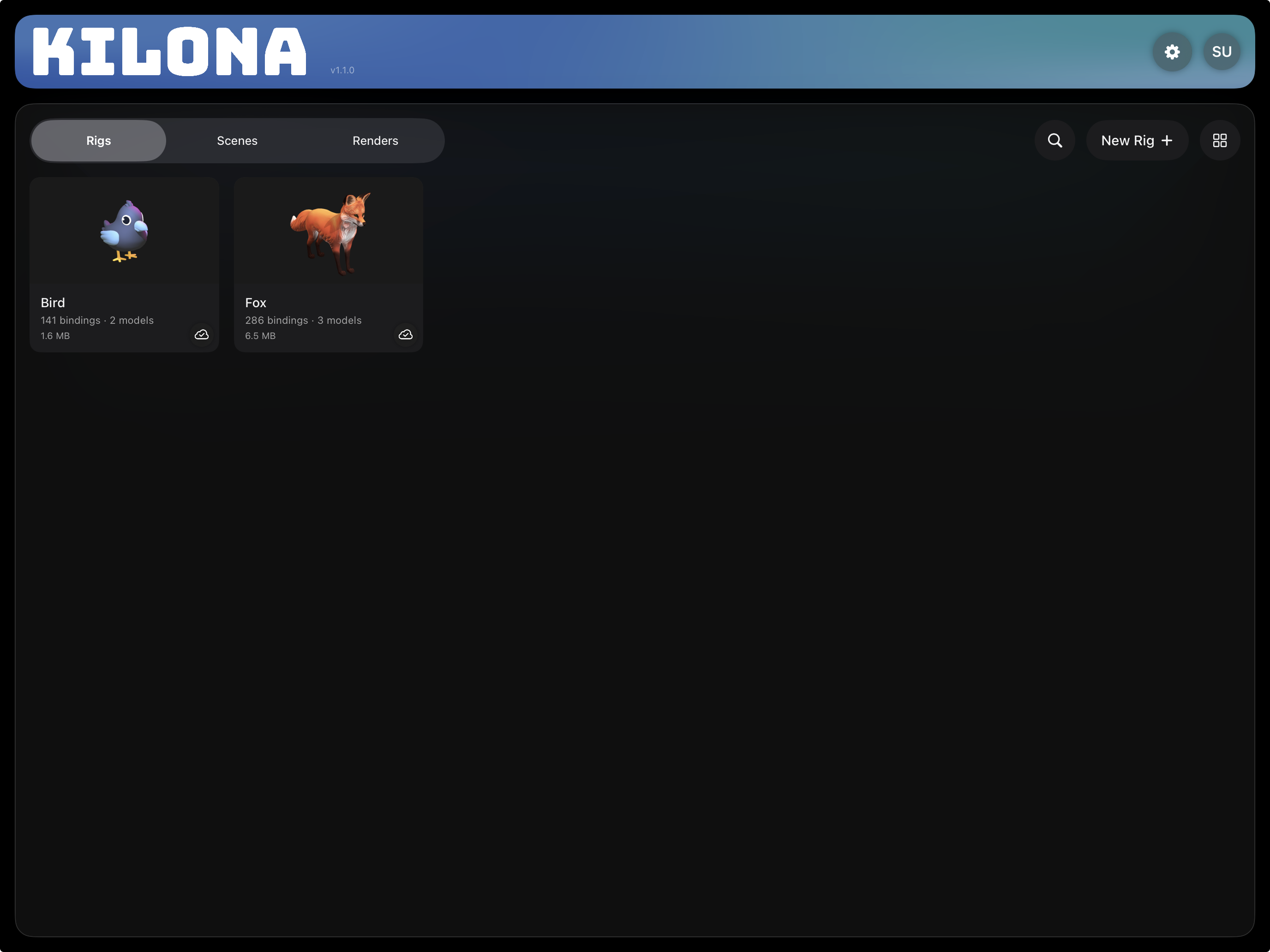
A rig is a reusable package that includes a set of animatable controls built around a model or set of models. It declares WHAT can be animated. That is the entire job. A rig does not contain motion. It does not know about time. It only says: here is a model, and here is what you are allowed to move, change, and control. And a rig can be any size: as small as a single prop or character, or a full setting worth of elements and characters.
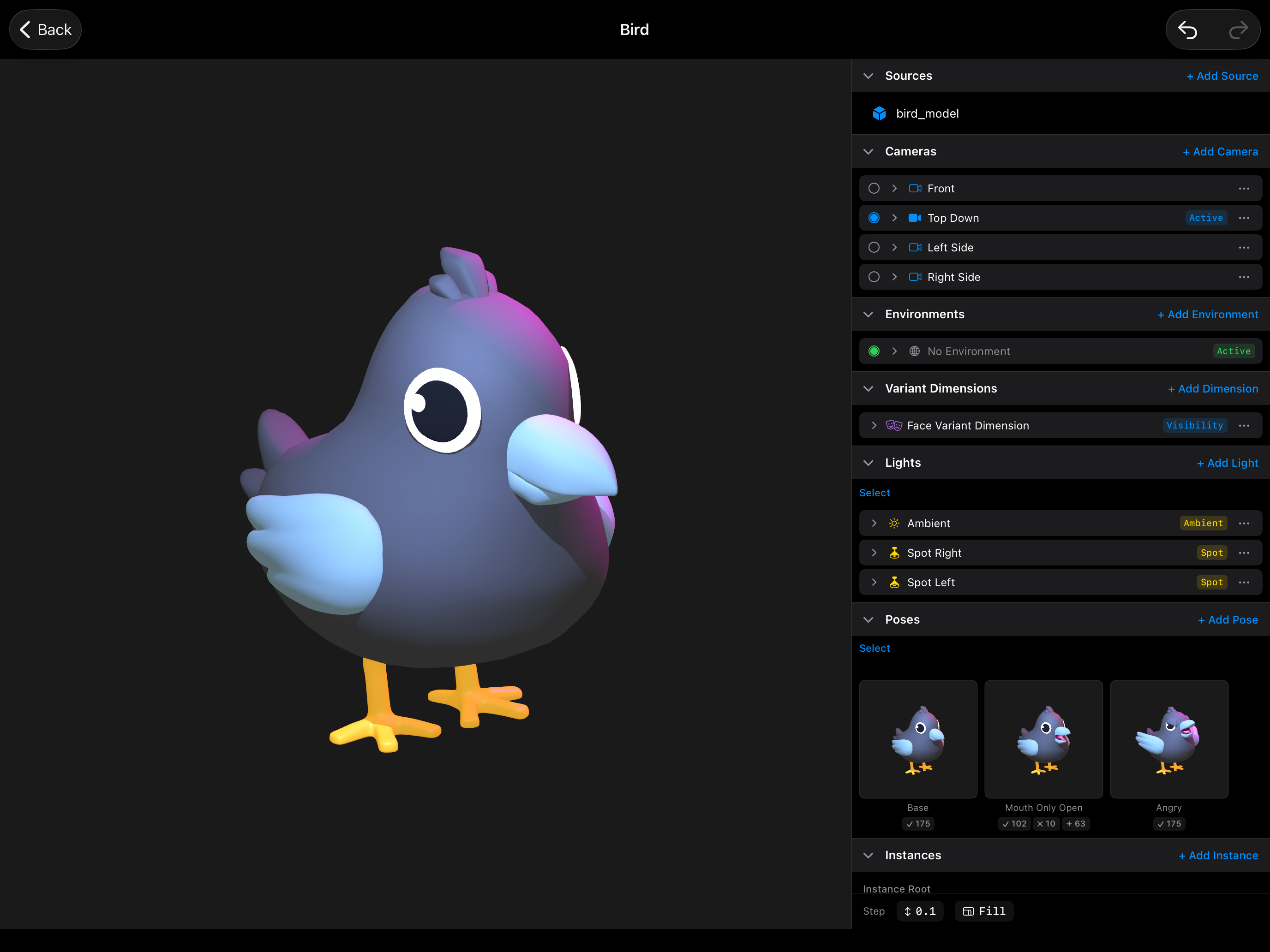
The animation itself, the actual movement over time, lives somewhere else: in a scene. A scene is where you compose and animate rigs. When you place a rig into a scene, you animate the controls the rig exposed. The rig never changes while you do it.
Here is the way to hold this in your head. The rig is the instrument. The scene is the performance. A piano does not contain any songs. It contains keys, and the keys define what a performance can do. You build the piano once, and then you can play a thousand different songs on it. A rig works exactly the same way. Build it once, animate it in as many scenes as you like.
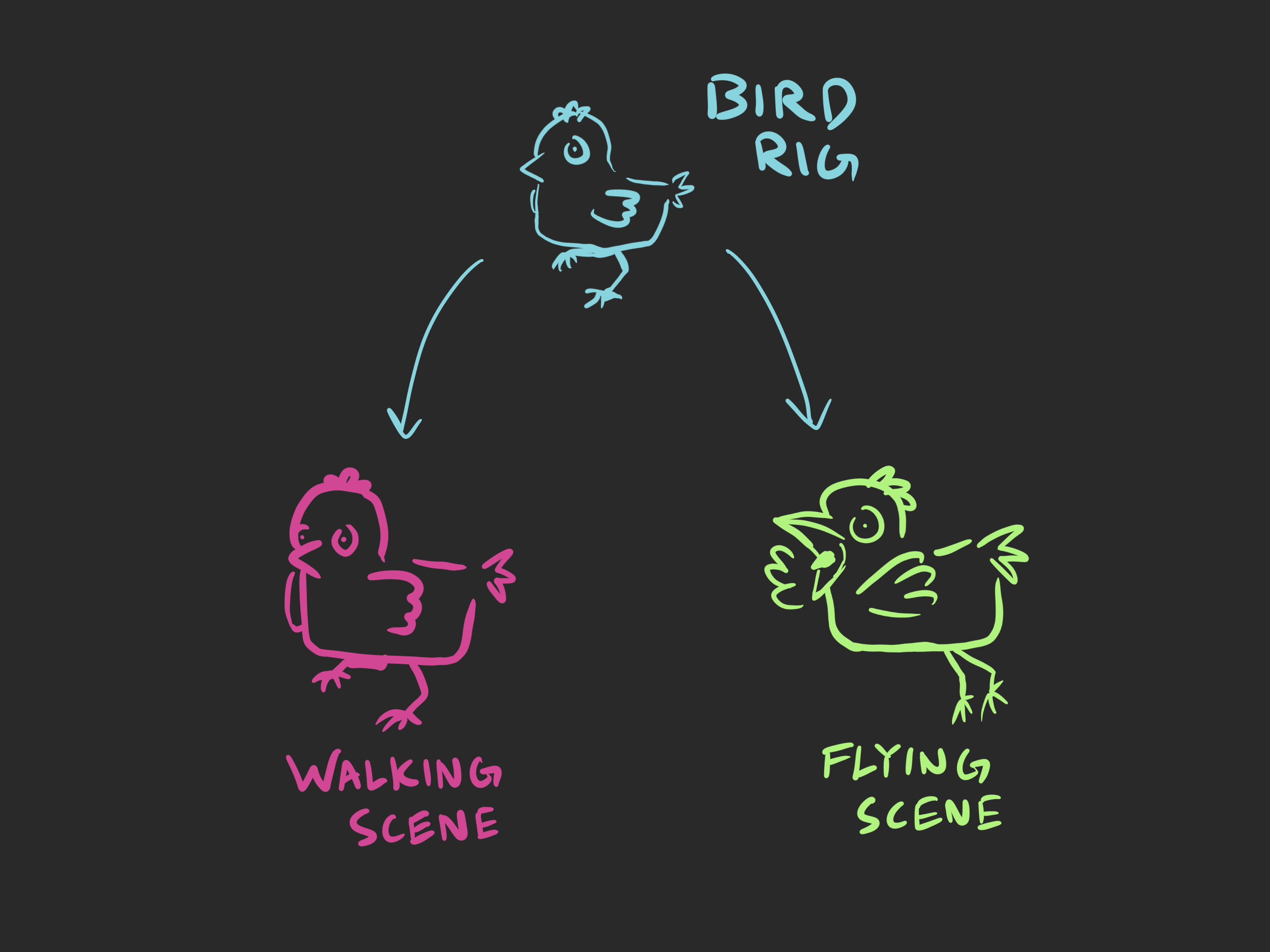
So what goes inside a rig? A model you import, placed copies of that model, lights, cameras, materials, and most importantly, the controls. Kilona calls those controls bindings and constraints. A binding is a named control on one property of one element in the rig. A constraint is an automatic relationship where one part drives another. You will build all of these later in this course and the next ones. For now, the point is that they all live in the rig, not in the scene.
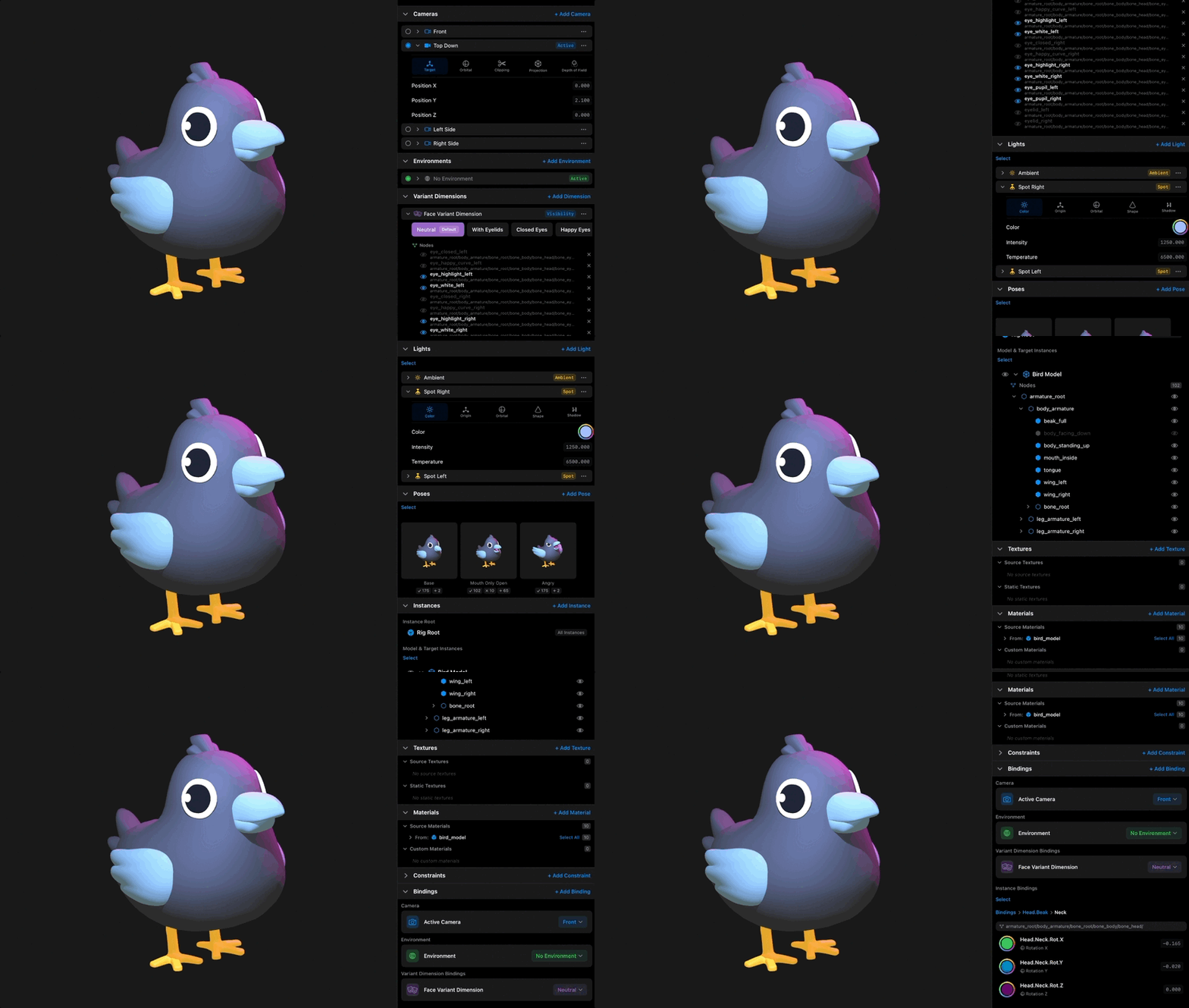
Why does Kilona split things this way? Because it keeps your work reusable. If you baked the animation into the model, every new shot would mean starting over. With the rig and scene split, you invest in the rig once. Every scene after that gets faster. Fix something in the rig, and every scene that uses it benefits.
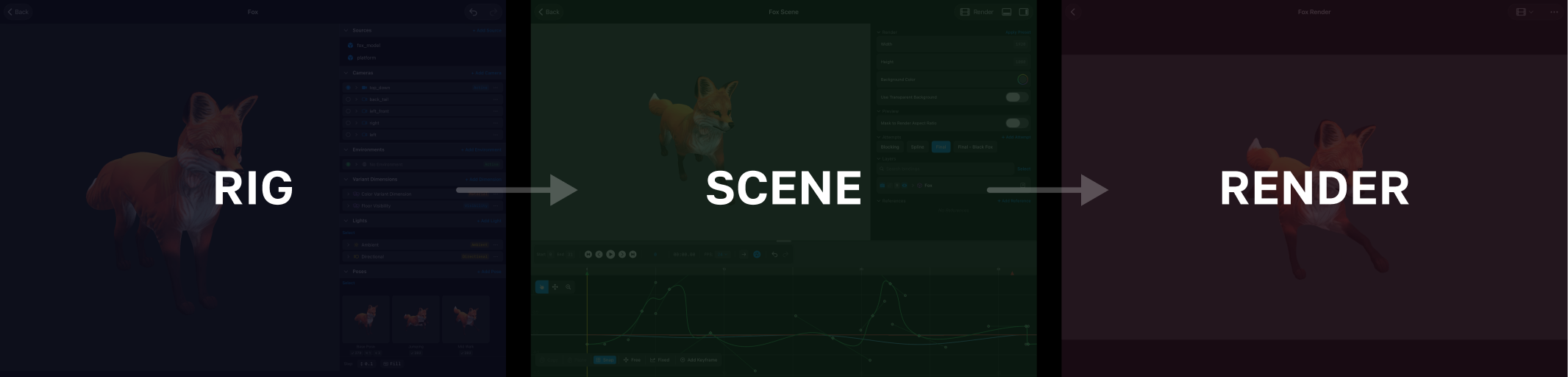
And that is the full pipeline you will follow through every course: build a rig, the instrument. Animate it in a scene, the performance. Capture a render, the recording. This course lives entirely in stage one.
In the rest of Rig Basics you will open the rig editor, import your first model, place instances of it, explore what is inside a model, and learn two features that protect your work as rigs grow: Swap Model and Import Rig.
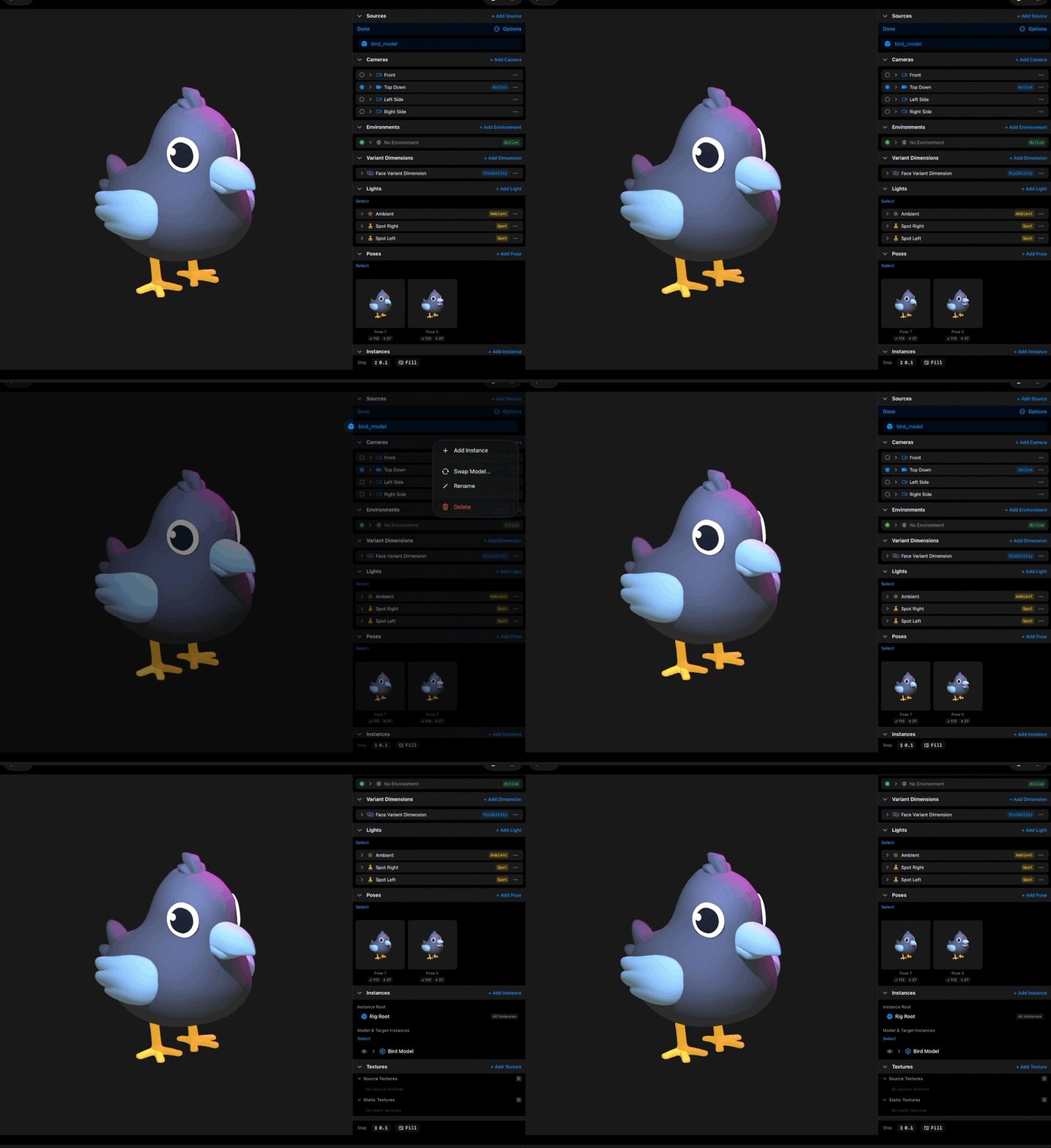
That is the foundation. Everything else in Kilona builds on it.
Recap
- A rig is a reusable package that includes a set of animatable controls built around a model or set of models. It declares what CAN be animated.
- The motion itself lives in a scene, never in the rig.
- Rig is the instrument, scene is the performance, render is the recording.
- Bindings and constraints are the controls a rig exposes, and you build them in the rig.
- Build a rig once, reuse it in as many scenes as you want.